Scan features
172
4. Special Features
24
Linux scanning
Scanning
1
Make sure that the machine is connected to your computer and
powered on.
2
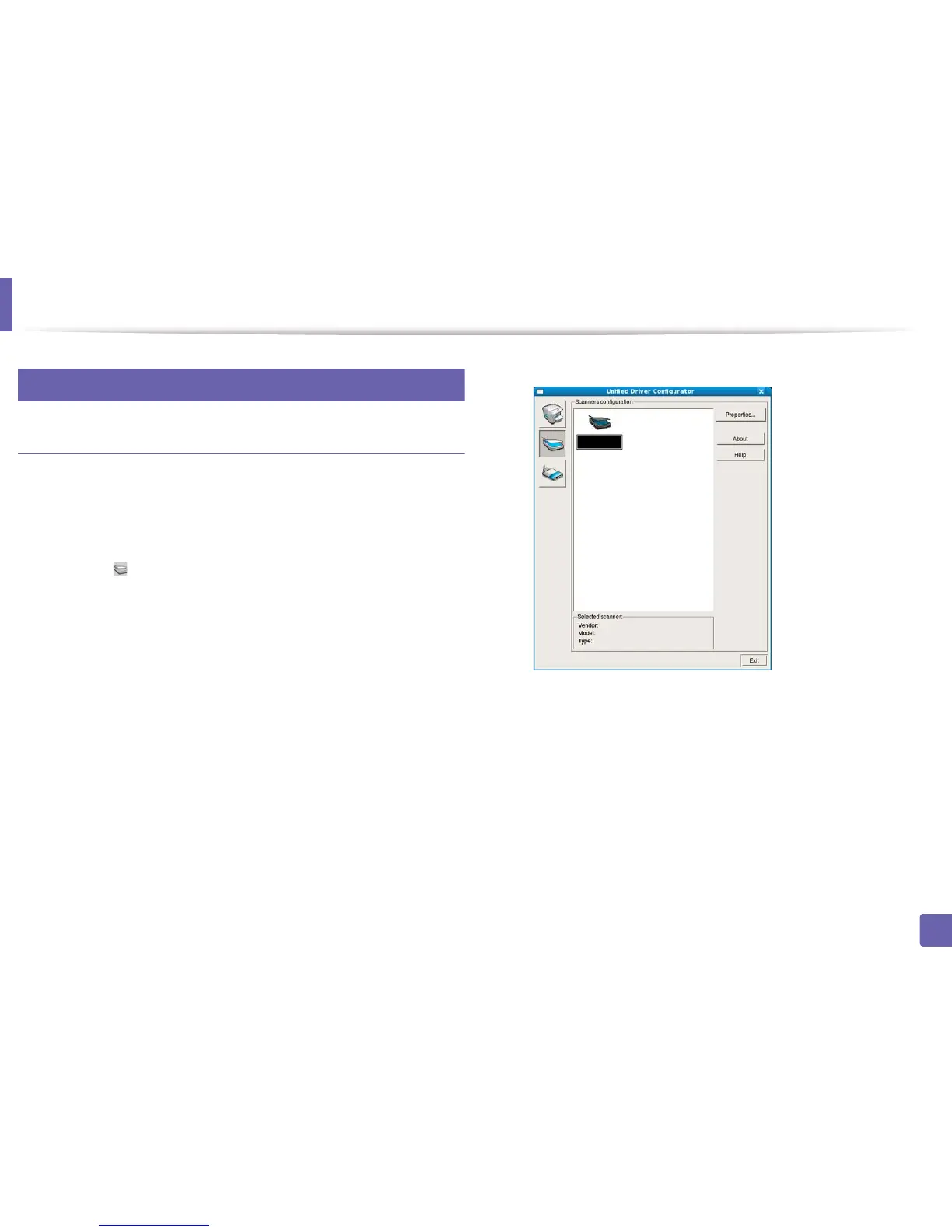
Double-click the Unified Driver Configurator on your desktop.
3
Click the button to switch to Scanners Configuration.
4
Select the scanner on the list.
5
Click Properties.
6
Place a single document face down on the document glass, or load the
documents face up into the document feeder (see "Loading originals" on
page 42).
7
From the Scanner Properties window, click Preview.















 To Next Page