Media and tray
32
2. Menu overview and basic setup
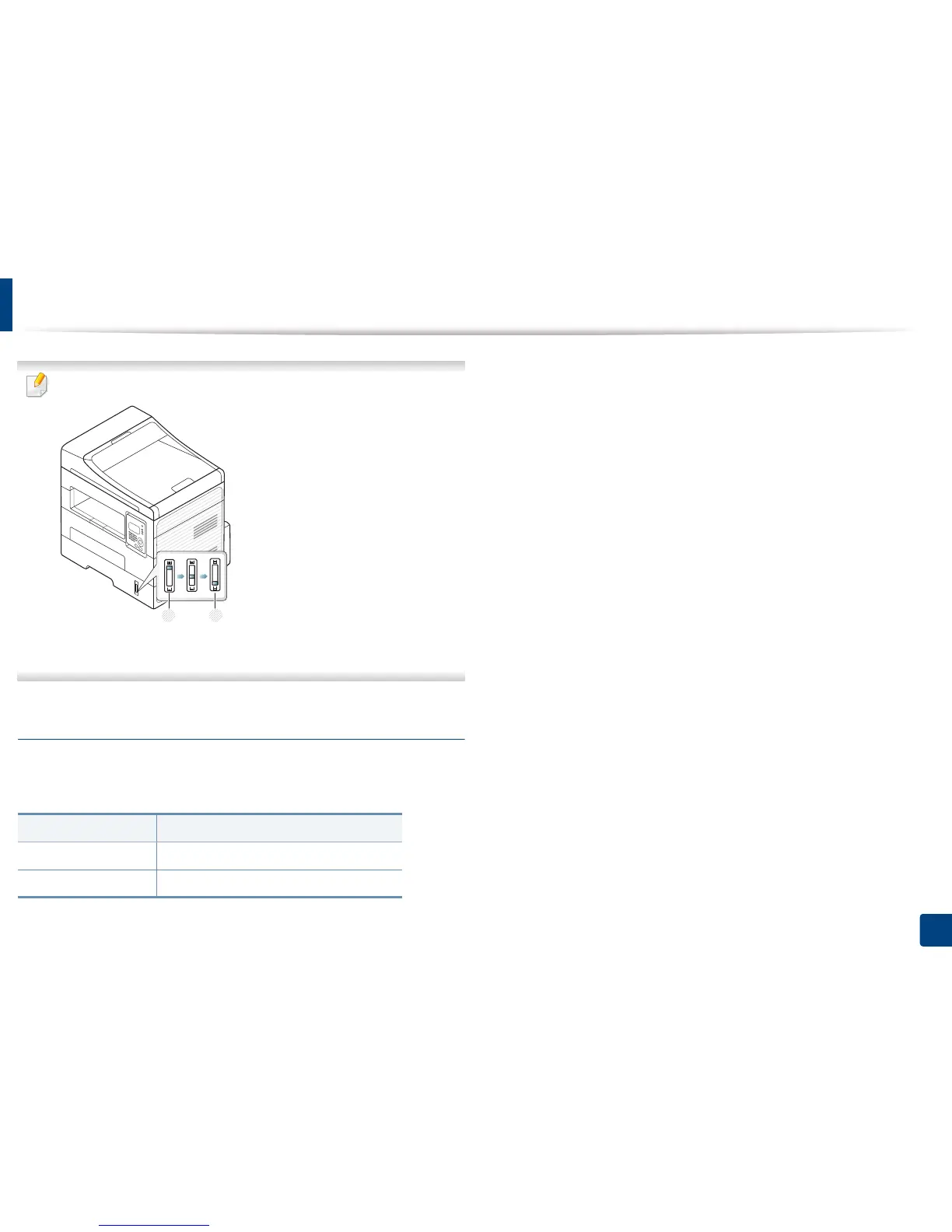
The paper quantity indicator shows the amount of paper in the tray.
1 Full
2 Empty
Paper type available for duplex printing
Depending on the power voltage your machine uses, available paper types for
duplex printing differs. Refer to the below table.
Power voltage Available paper
110V Letter, Legal, US Folio, Oficio
220V A4















 To Next Page