Media and tray
44
2. Menu overview and basic setup
3
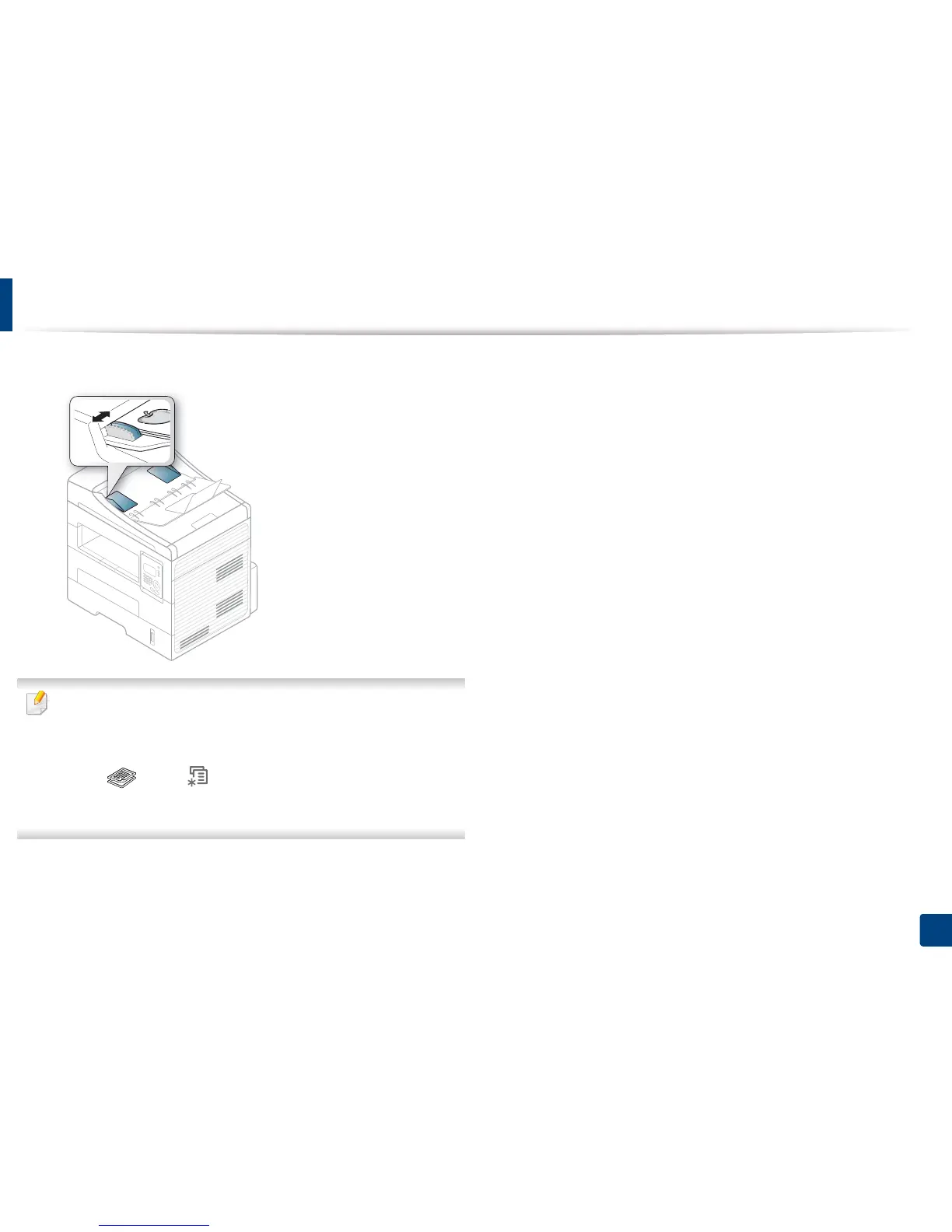
Adjust the document feeder width guides to the paper size.
• Dust on the document feeder glass may cause black lines on the
printout. Always keep the glass clean (see "Cleaning the machine" on
page 69).
• To print on both sides of the paper using the ADF, from the control panel
press (Copy) > (Menu) > Copy Feature > Duplex > 1 -> 2 Side
Long or 1 -> 2 SideShort and print on one side of the paper, then reload
the sheet to print on the other side.















 To Next Page