Basic printing
47
2. Menu overview and basic setup
11
Opening printing preferences
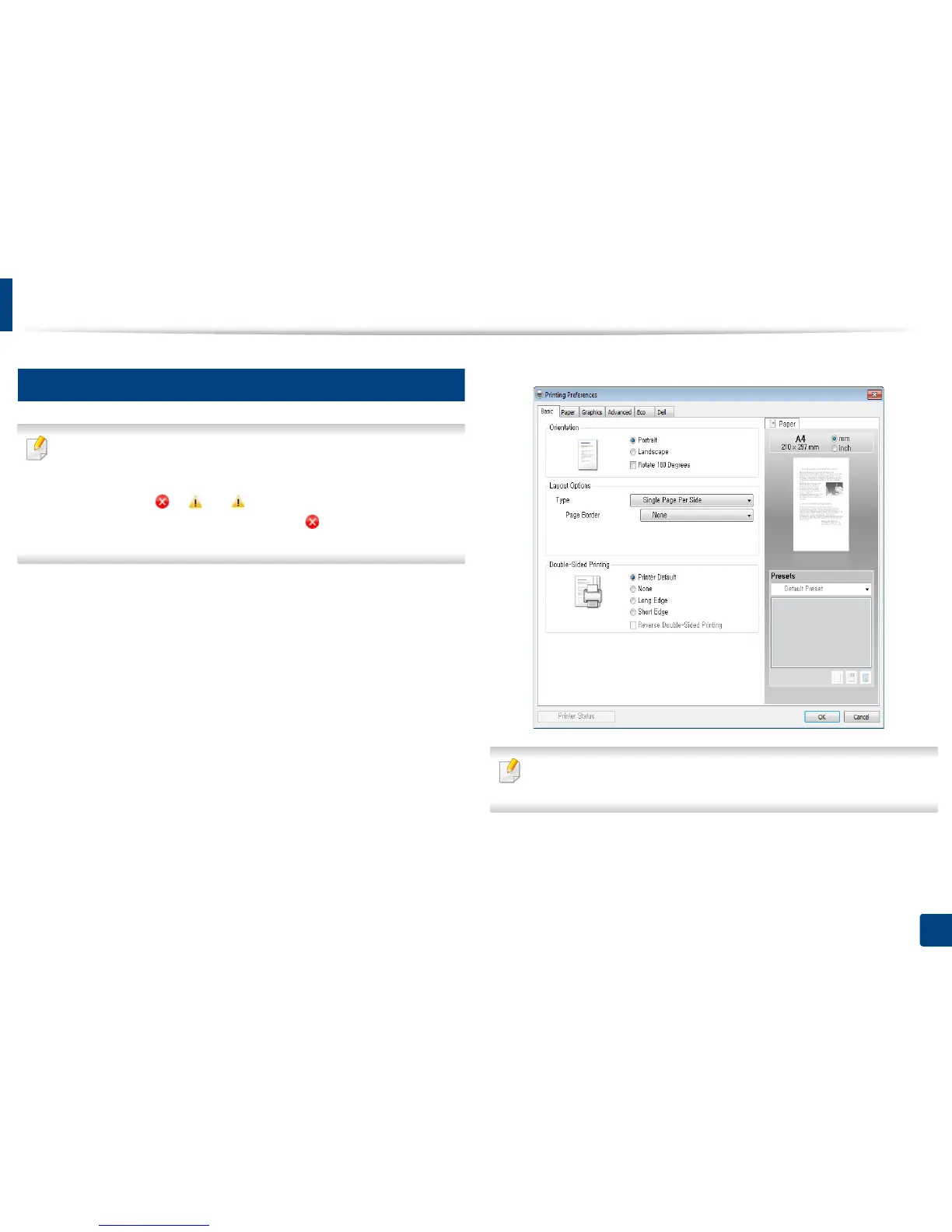
• The Printing Preferences window that appears in this user’s guide may
differ depending on the machine in use.
• When you select an option in Printing Preferences, you may see a
warning mark or . An mark means you can select that certain
option but it is not recommended, and an mark means you cannot
select that option due to the machine’s setting or environment.
1
Open the document you want to print.
2
Select Print from the file menu. The Print window appears.
3
Select your machine from the Select Printer.
4
Click Properties or Preferences.
You can check the machine’s current status using the Printer Status button
(see "Using Dell Printer Status" on page 191).















 To Next Page