6
Windows 7/8/8.1 Setup
Note: Do not connect your adapter to your PC before installing the drivers.
1. Download the software driver from http://www.dell.com/support/.
Double click on “Displaylink.exe” when driver is downloaded.
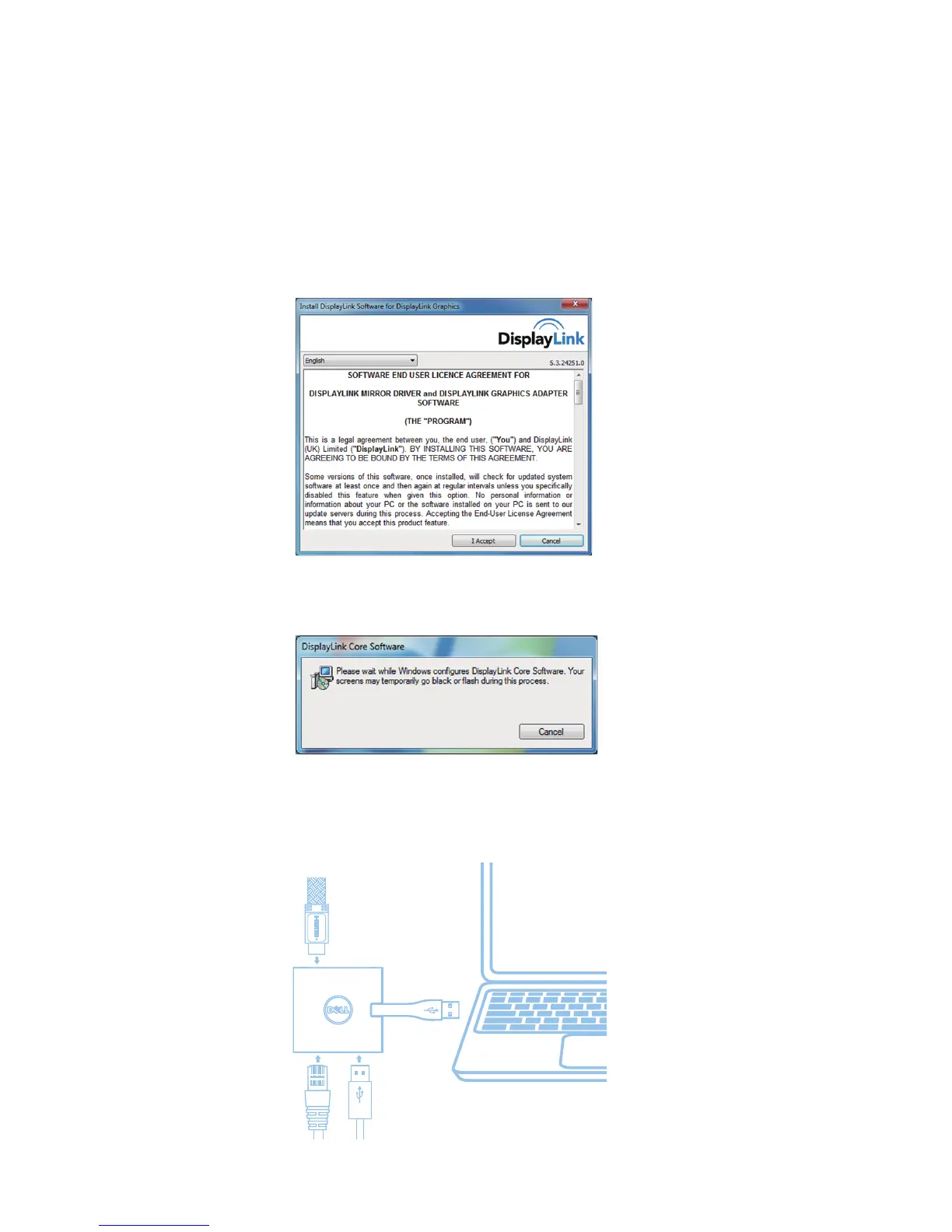
2. After installation, accept the End User License Agreement to continue.
3. Click "I Accept". DisplayLink Core software and DisplayLink Graphics will be installed.
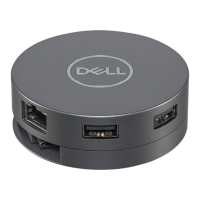
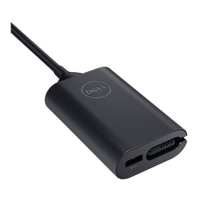
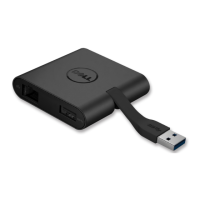
4. Connect your Adapter and peripherals to your PC.
* Adapter supports a single video output capability with the choice of two ports: 1 x HDMI or 1 x VGA
SS
SS


 To Next Page