10
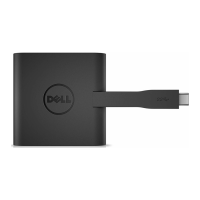
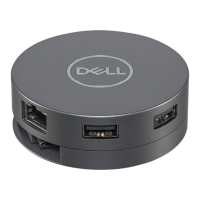
6. The DA310 display
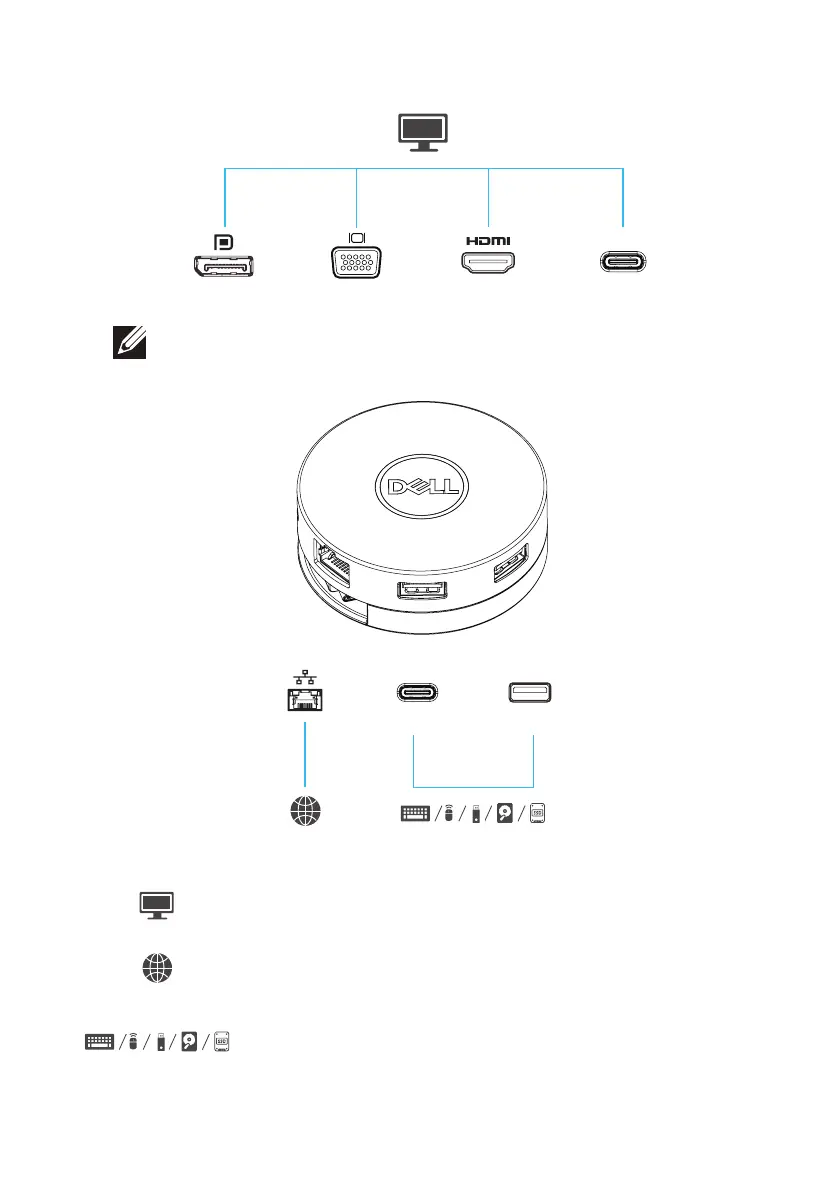
NOTE: The DA310 supports only one display at a time
Video port Connect an external display or a projector.
Ethernet port
Connect an Ethernet (RJ45) cable from a
router or a broadband modem for network
or internet access.
Connect peripherals such as keyboards,
mice and external storage devices.
USB-C and
USB-A ports
MFDP USB-C
Dual USB-A
10 Gbps
USB-C
10 Gbps
4K 4KFHD 4K


 To Next Page