About Your E-Legacy Extender 5
1
About Your E-Legacy Extender
The Dell™ E-Legacy Extender extends the capabilities of your E-Series
laptop by adding a serial port, a parallel port, two PS/2 ports, and two USB
ports to your laptop.
Connector Description
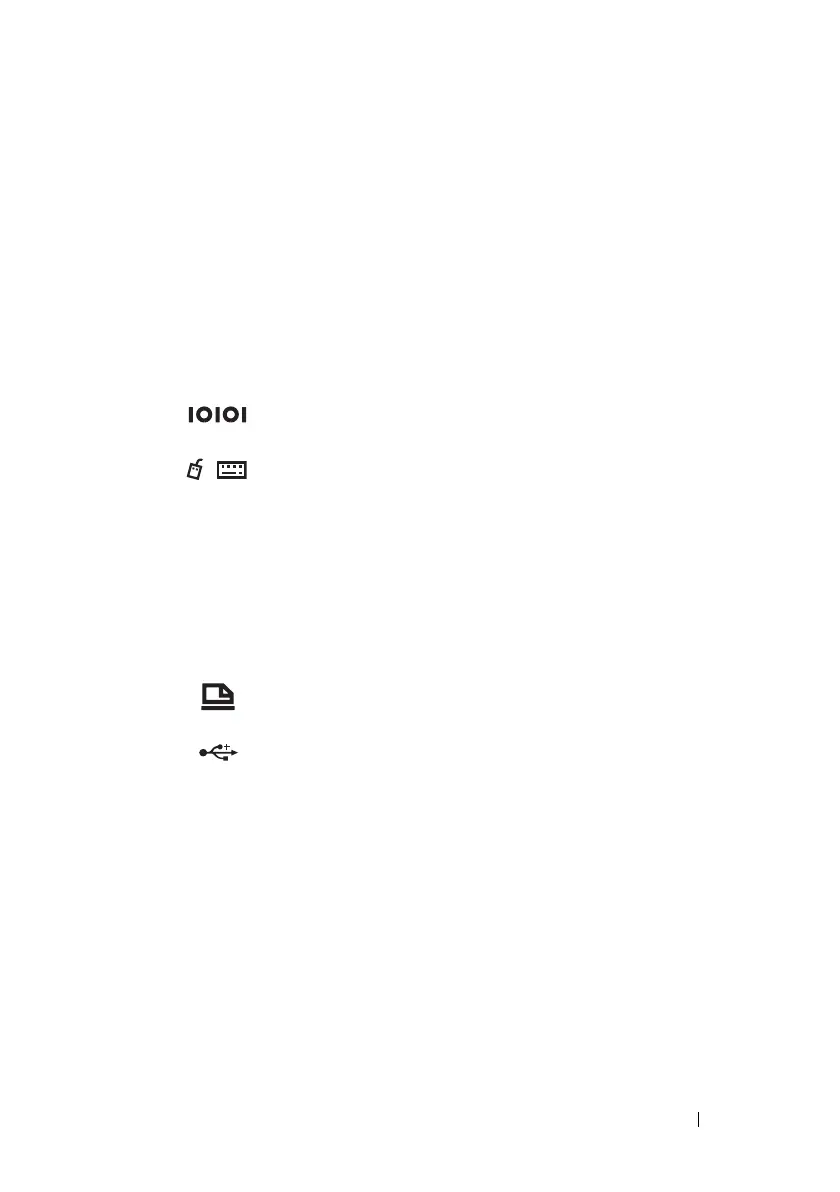
SERIAL CONNECTOR—Connects a serial device, such as a
serial mouse.
PS/2 CONNECTORS (2)—Connects PS/2-compatible
devices, such as a mouse, keyboard, or external
numeric keypad.
Shut down the computer before attaching or removing
a PS/2-compatible device. If the device does not work,
install the device drivers from the floppy disk or CD
that came with the device, and restart your laptop.
You can use the integrated keyboard and an external
keyboard at the same time.
PARALLEL CONNECTOR—Connects a parallel device, such
as a parallel printer.
USB 2.0 CONNECTORS—Connects up to two USB 2.0-
compliant devices to the back of the expansion station.



 To Next Page