Using the E-Legacy Extender 7
2
Using the E-Legacy Extender
CAUTION: Before you begin any of the procedures in this section, follow the
safety instructions that shipped with your computer.
Connecting Your Computer to the E-Legacy
Extender
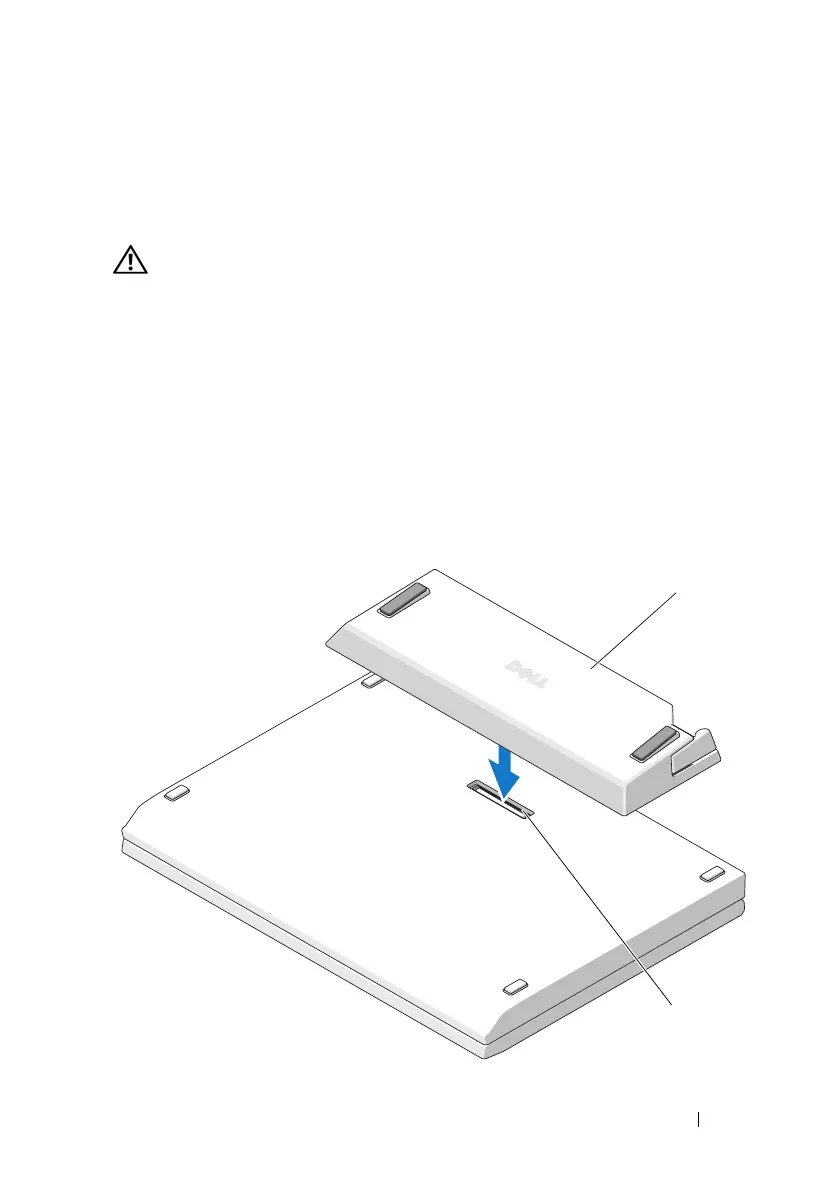
If your laptop is open, close it before connecting it to the E-Legacy Extender.
1
Tu r n
your
laptop upside down.
2
Align and center the
E-Legacy Extender
with the back edge of the laptop,
then connect the docking connector on the
E-Legacy Extender
to the
docking connector on the bottom of the laptop.
1
2



 To Next Page