8 Using the E-Legacy Extender
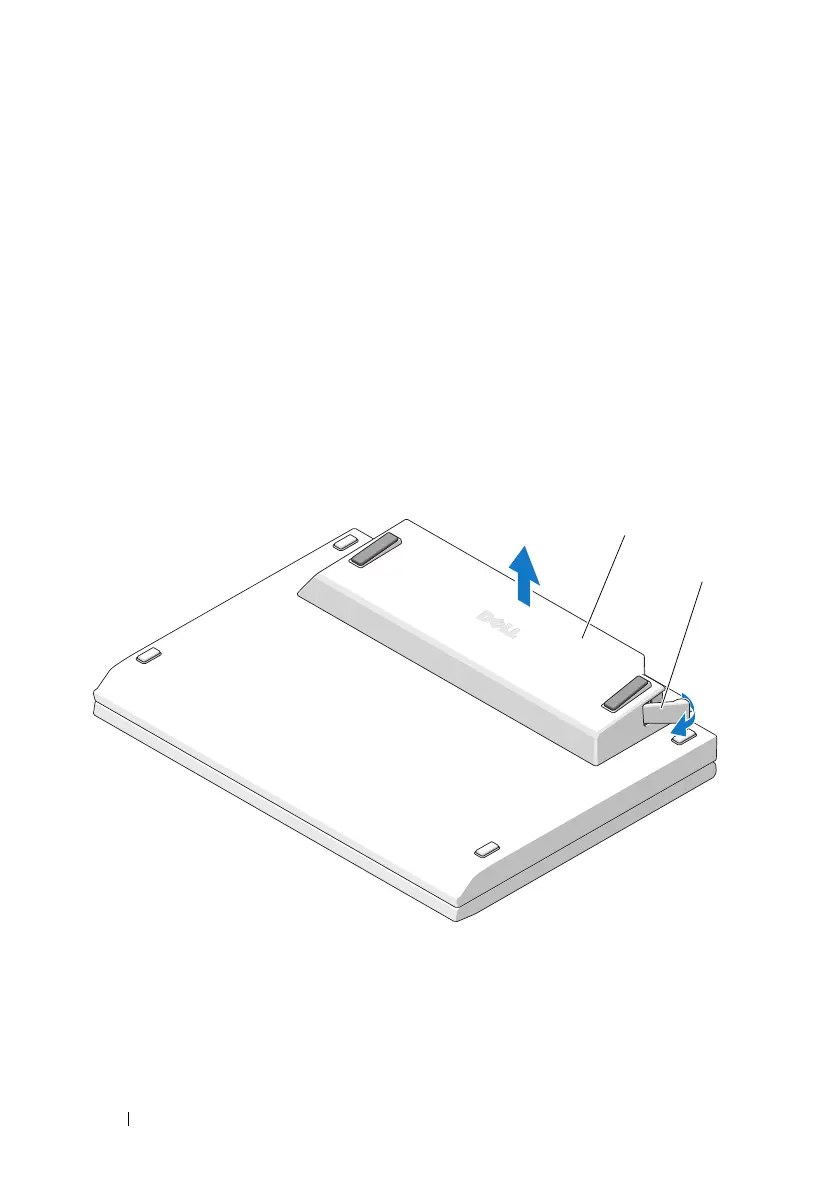
Removing the E-Legacy Extender from Your
Laptop
Close your laptop before removing the E-Legacy Extender.
You may want to disconnect any cables before turning your computer upside
down.
1
Turn your
laptop
upside down.
2
Pull the eject lever to release the
E-Legacy Extender
from the laptop.
3
Remove the
E-Legacy Extender
.
1 docking connector on the
E-Legacy Extender
2 docking connector on the bottom of a computer
1 E-Legacy Extender 2 eject lever
1
2



 To Next Page