Service Manual
29
Chapter 6- TROUBLE SHOOTING
Common Acknowledge
z If you change the M/B, be sure that the U103 and U108 these three components also
changed to the new M/B because there was program inside. If not, please re-write EDID or
upload firmware into serial flash (U108) via VGA Cable. How to do please refer to the Page
19.
z If you adjust clock and phase, please do it at condition of Windows shut down pattern.
z Please confirm the R/G/B color under 32gray scale pattern.
z This LCM is analog interface. So if the entire screen is an abnormal color that means the
problem happen in the analog circuit part, if only some scale appears abnormal color that
stand the problem happen in the digital circuit part.
z If you check the H/V position, please use the crosshatch pattern.
z This LCM support 10 timing modes, if the input timing mode is out of specification, “Cannot
Display this Video Mode” will be displayed on the screen.
z If brightness uneven, repairs Inverter circuit or change a new panel.
z If you find the vertical line or horizontal line lost on the screen, please change panel.
z If the self-test pattern is moving on the screen, please check whether VGA Cable is plugged in the
Monitor or PC
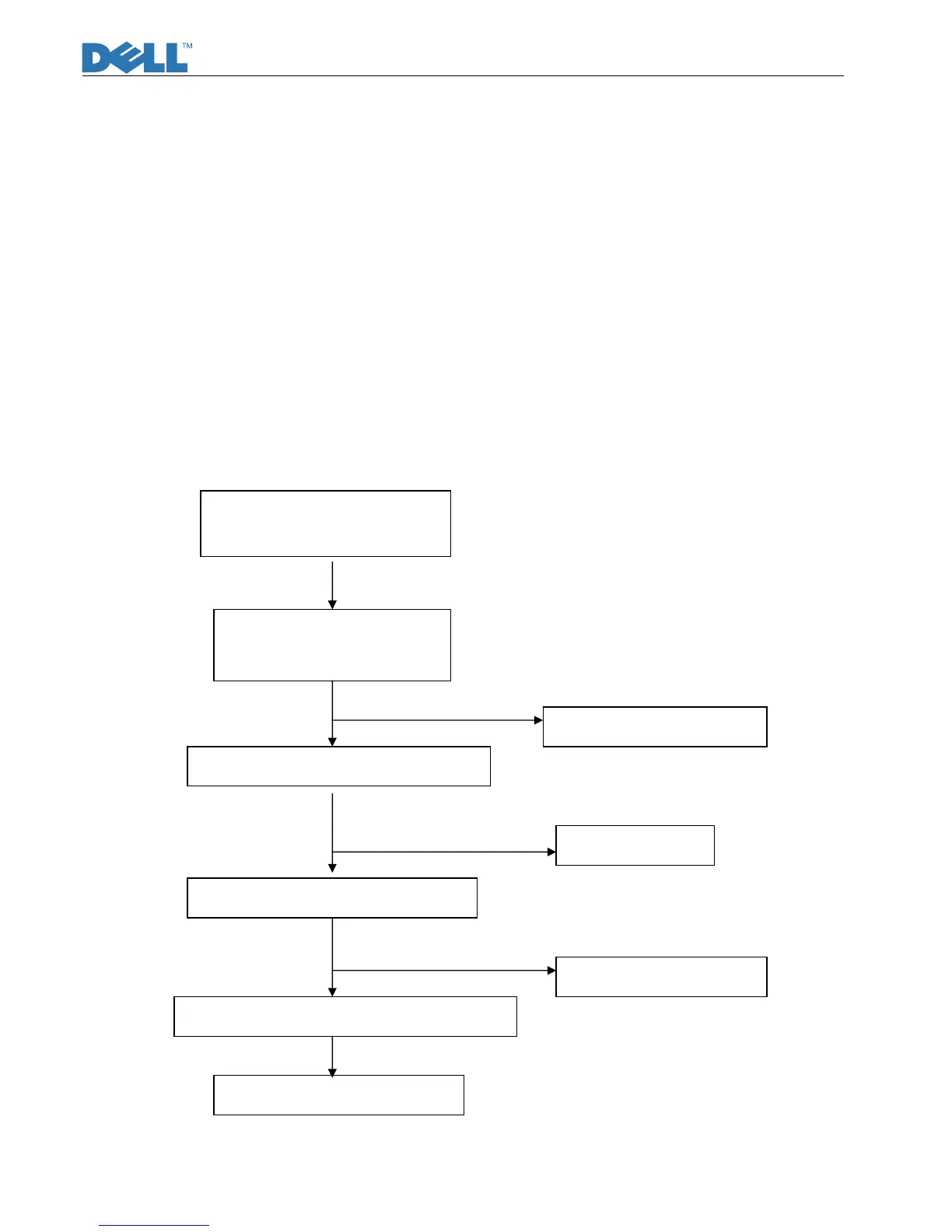
z No Power and LED Off
Is there DC12V at L852?
Is there DC5V at L851?
Is the voltage at C854 in the
range of 127V~373V?
Is the voltage at pin6 of U850 17.8V?
Is the voltage at pin2 of U850 2.5V?
Is the voltage at pin7&pin8of T850 38V?
Check D856
Check RT850, F850
Check R853
Check D852, Q850
YES
YES
YES
YES



 To Next Page