22" LCD Color Monitor Dell E2209Wc
15
Saturation
This feature can adjust the color saturation of the video image. Use
or
to adjust the saturation from '0' to '100'.
Push
to increase the monochrome appearance of the video image
Push
to increase the colorful appearance of the video image
Color Reset
Resets your monitor's color settings to the factory defaults.
Exit Menu
Push
to exit the OSD main menu.
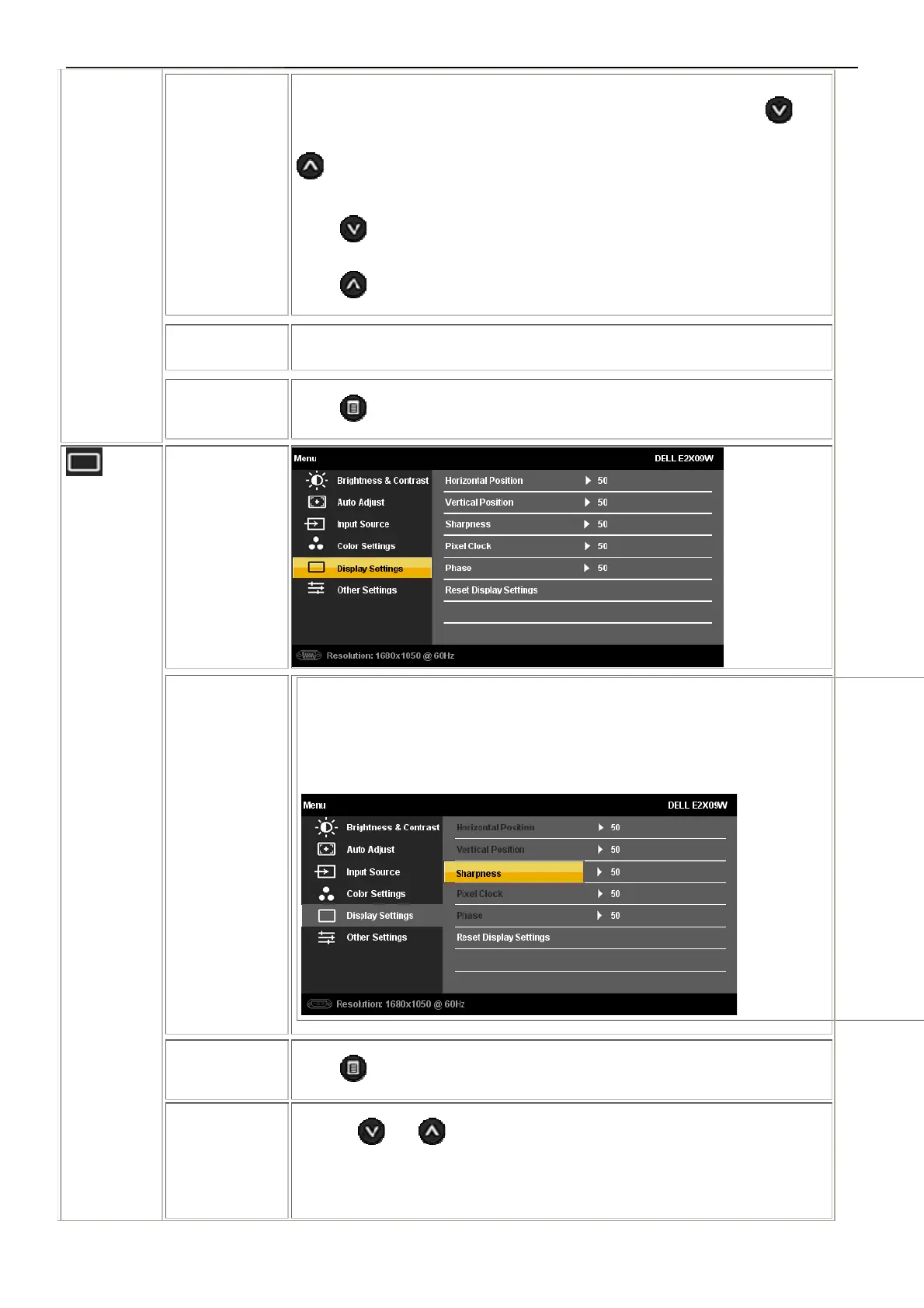
DISPLAY
SETTINGS
Display
Setting subm
enu
Display Setting submenu for VGA input
Display Setting submenu for DVI-D input
Back
Push
to go back to the main menu.
Horizontal Pos
ition
Use the
and buttons to adjust image left and right. Minimum is '0' (-).
Maximum is '100' (+).
NOTE: When using a DVI source, the Horizontal Position setting is not



 To Next Page