14 About Your Monitor
automatically resumes functioning. The following table shows the power
consumption and signaling of this automatic power-saving feature:
E2214H
VESA Modes
Horizontal
Sync
Vertical
Sync
Video
Power
Indicator
Power
Consumption
Normal operation Active Active Active White 30 W (Maximum)**
19 W (Typical)
Active-o mode Inactive Inactive Blank Glowing
white
Less than 0.5 W
Switch o - - O Less than 0.5 W *
E2314H
VESA Modes
Horizontal
Sync
Vertical
Sync
Video
Power
Indicator
Power
Consumption
Normal operation Active Active Active White 30 W (Maximum)**
22 W (Typical)
Active-o mode Inactive Inactive Blank Glowing
white
Less than 0.5 W
Switch o - - O Less than 0.5 W *
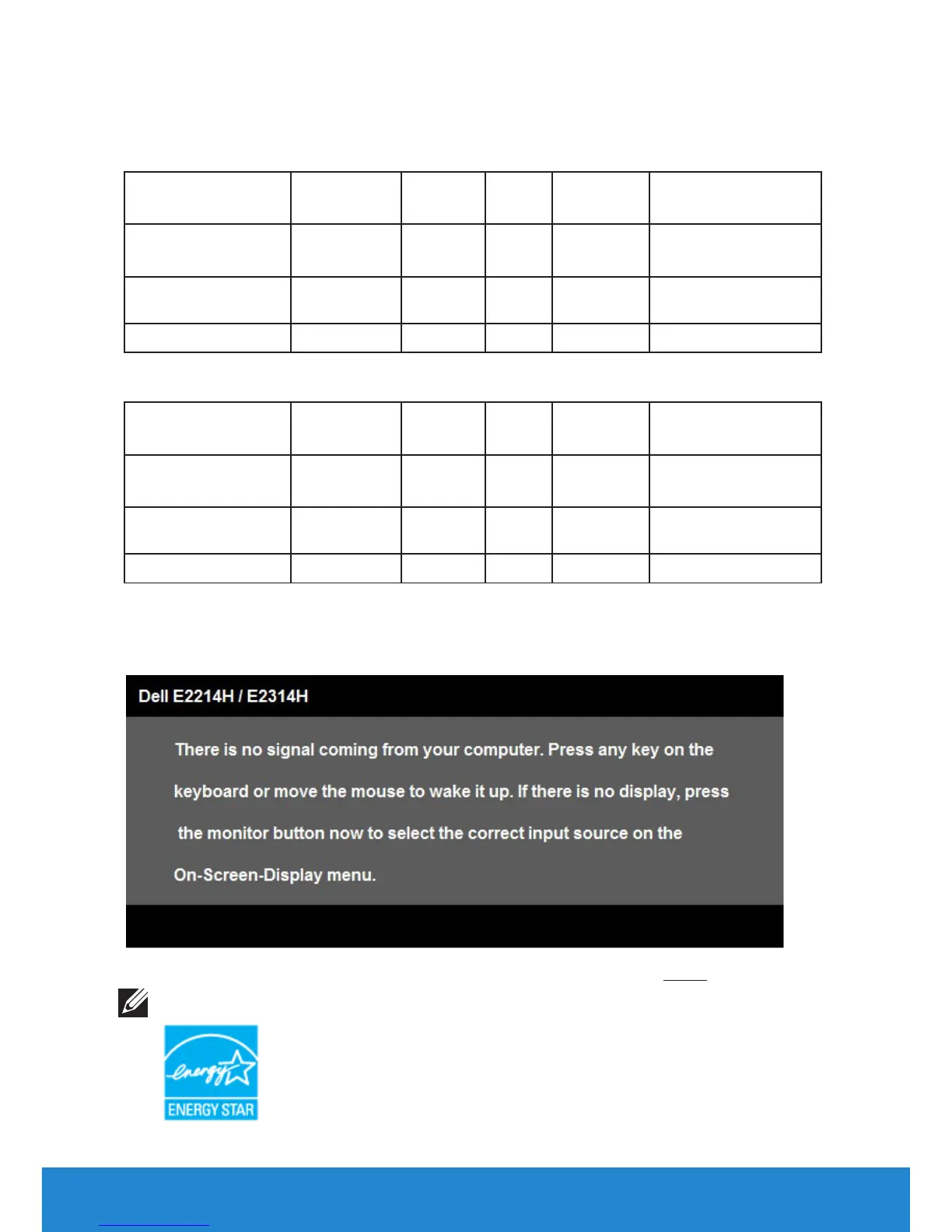
The OSD will only function in the normal operation mode. When any
button except power button is pressed in Active-off mode, the following
messages will be displayed:
Activate the computer and monitor to gain access to the OSD.
NOTE:
The Dell E2214H / E2314H monitor is ENERGY STAR®-compliant.



 To Next Page