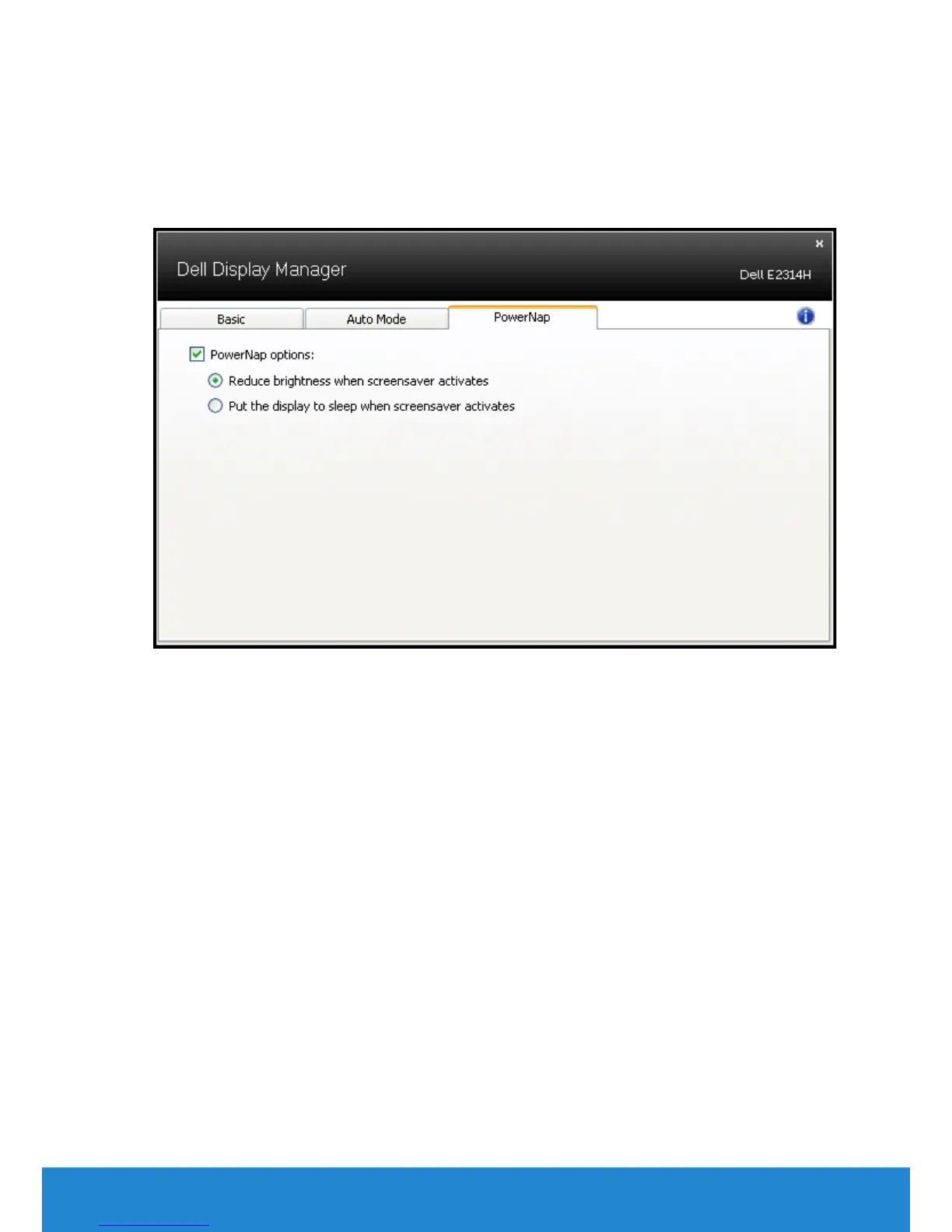
Applying Energy-Conservation Features
On supported Dell models, the PowerNap tab will be available to provide
energy conservation options. When the screensaver activates, the
monitor’s Brightness can automatically be set to minimum level or the
monitor can be put to sleep in order to save additional power.
Dell Display Manager User's Guide 9



 To Next Page