8 About Your Monitor
Side View
Right Side
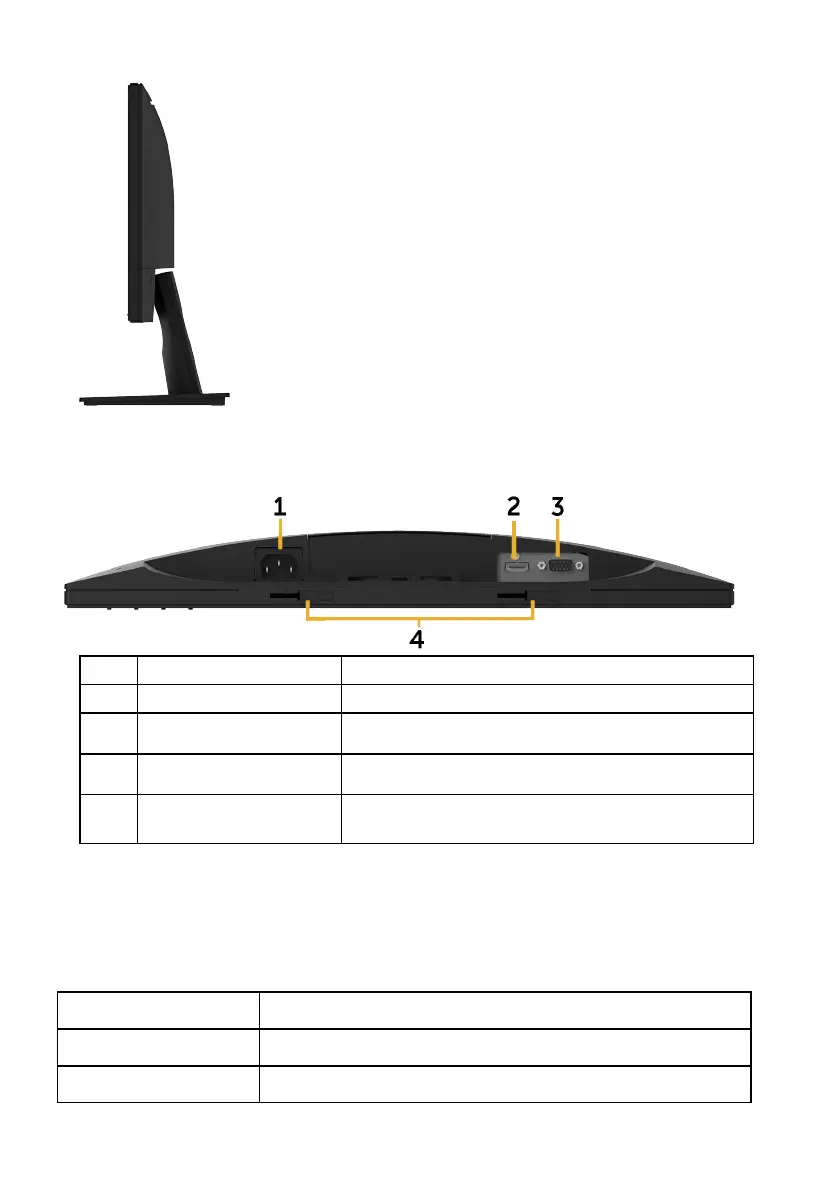
Bottom View
Label Description Use
1 AC power connector To connect the monitor power cable.
2 HDMI connector To connect your computer to the monitor using
a HDMI cable.
3 VGA connector To connect your computer to the monitor using
a VGA cable.
4 Dell soundbar
mounting slots
To attach the optional Dell Soundbar.
Monitor Specifications
Flat-Panel Specifications
Model number E2218HN
Screen type Active matrix - TFT LCD
Panel Technology TN



 To Next Page