Setting Up the Monitor | 19
Setting Up the Monitor
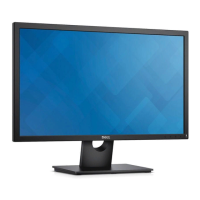
Attaching the Stand
NOTE: The stand is detached when the monitor is shipped from the factory.
NOTE: This is applicable for a monitor with a stand. When any other stand is
bought, please refer to the respective stand setup guide for the set-up instructions.
To attach the monitor stand:
1 As
semble the stand arm to stand base.
a Place the monitor stand base on a stable table top.
b Slide the monitor stand body in the correct direction down onto the stand base
until it clicks into place.
2 Attach the stand assembly to the monitor.
a Place the monitor on a soft cloth or cushion near the edge of desk.
b Align the stand assembly bracket to the monitor groove.
c Insert the bracket towards monitor until it locks into place.


 To Next Page