113Scan
Scan Using Apple Image Capture (ICA Driver)
The Apple Image Capture application uses the ICA scanner driver.
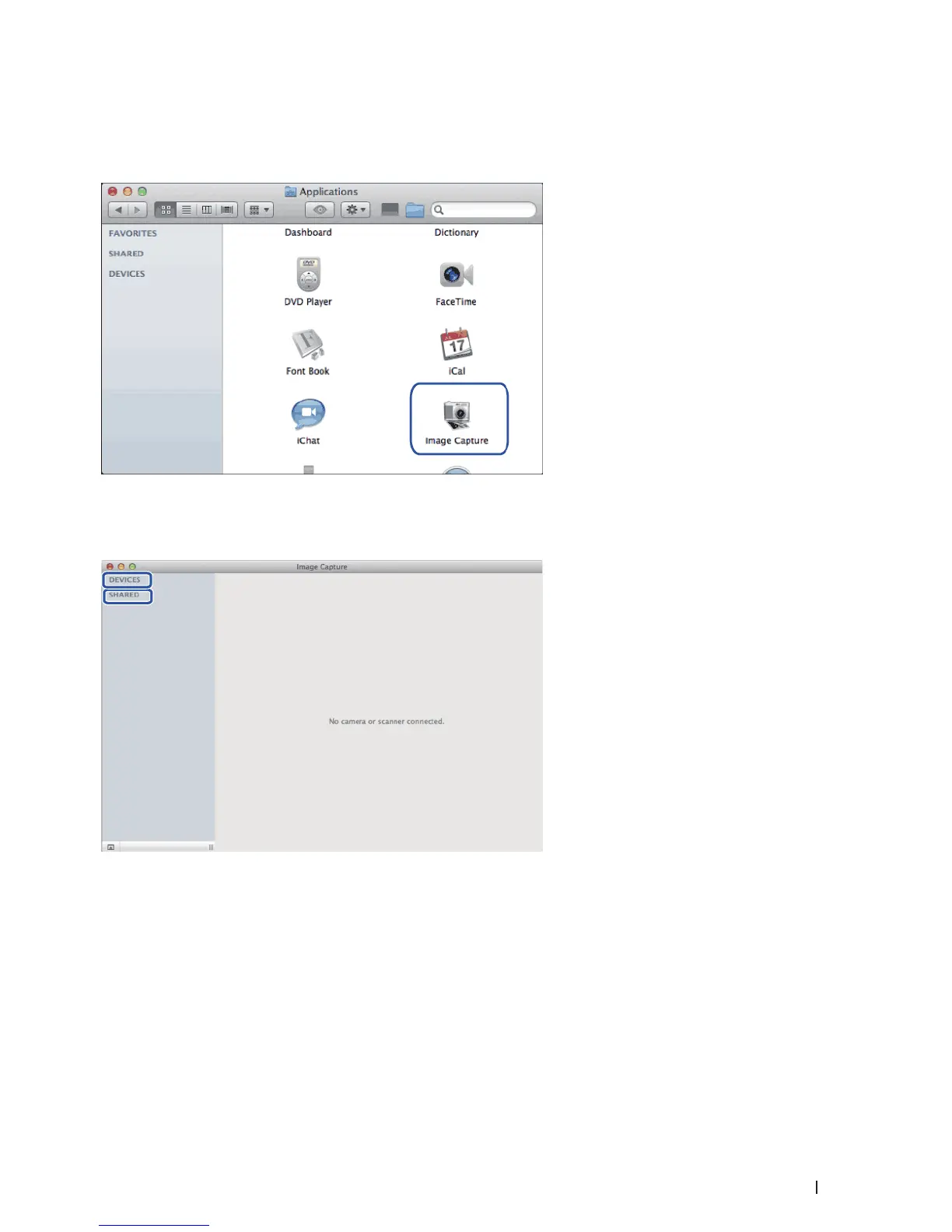
1. Launch the Image Capture application.
2. Select the machine from the list on the left side of the screen.
If you connected the Dell machine to your Macintosh with a USB cable, you will see the machine in the
DEVICES area. If connected via LAN, you will see it in the SHARED area.
3. Load your document.
4. Do one of the following:
• (For OS X v10.8.x, 10.9.x and 10.10.x)
If you place the document in the ADF, select the Use Document Feeder check box and then select the size of
your document from the scan size setting pop-up menu.










 To Next Page