114 Scan
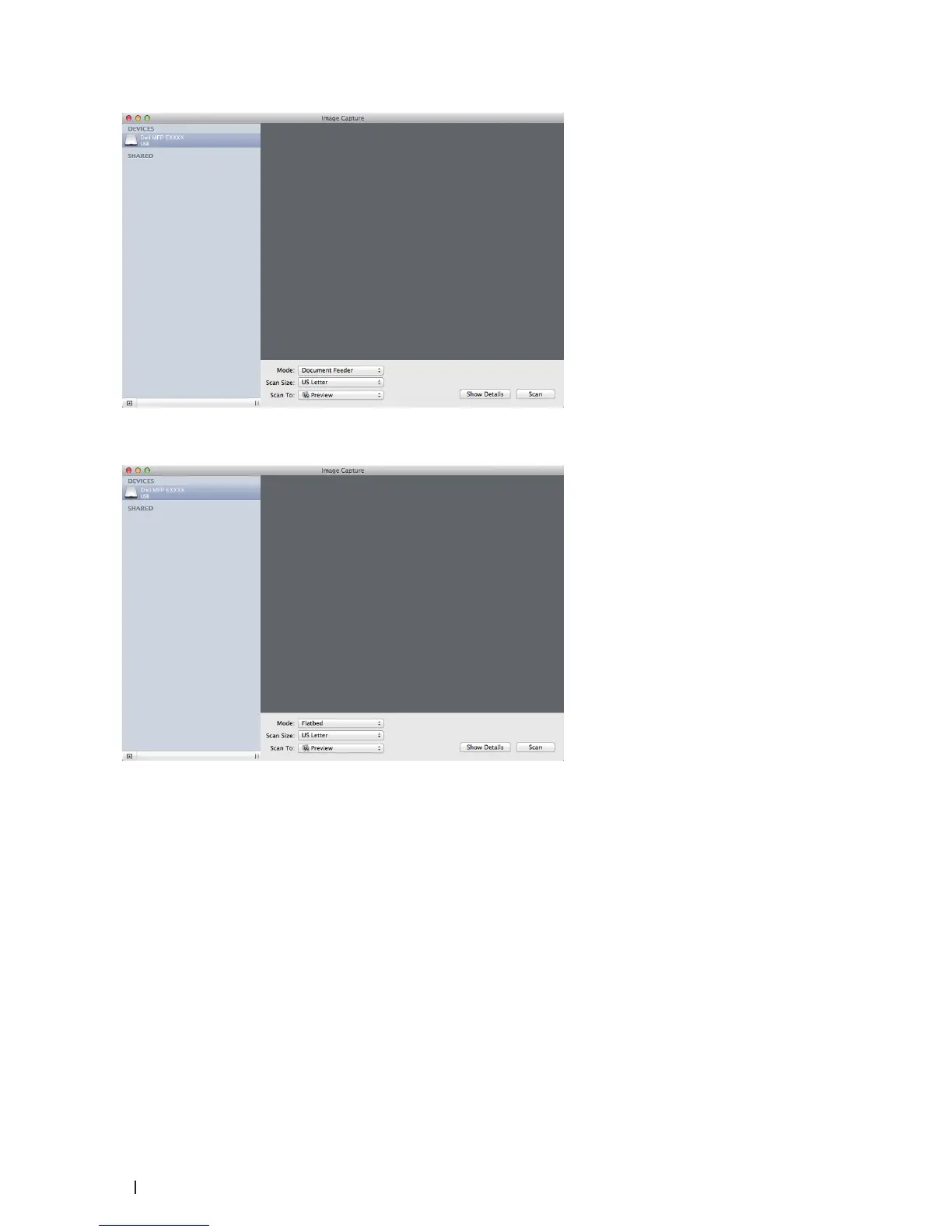
• (For OS X v10.8.x, 10.9.x and 10.10.x)
If you place the document on the scanner glass, clear the Use Document Feeder check box.
Show Details
Change the scanning settings, if needed.
You can crop the image manually by dragging the mouse pointer over the portion you want to scan when
scanning from the scanner glass.
5. Select the destination folder or destination application from the Scan To pop-up menu.
6. Click Scan.
The machine starts scanning.










 To Next Page