296 Troubleshooting
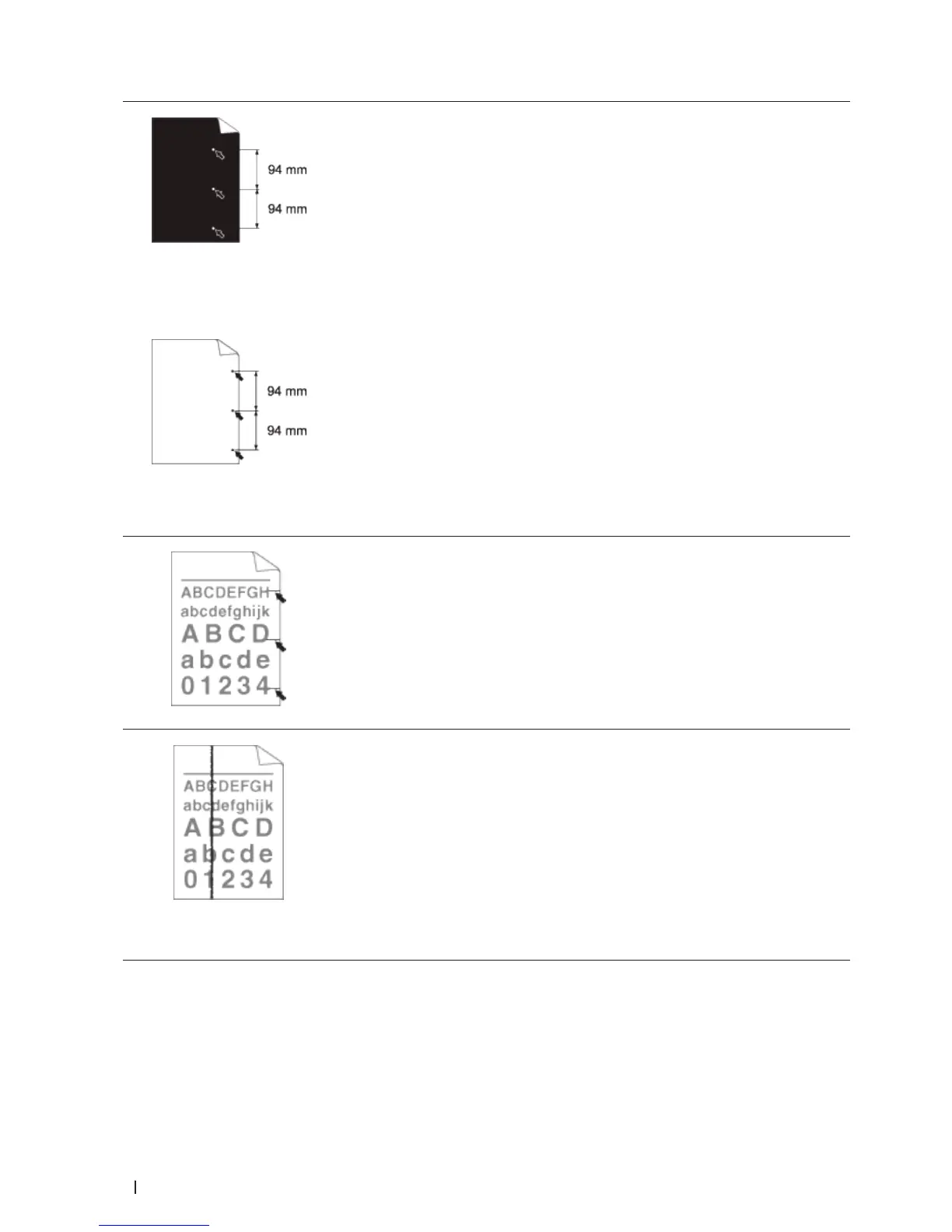
White Spots on black text and
graphics at 3.7 in. (94 mm)
intervals
Black spots at 3.7 in. (94 mm)
intervals
• Make 10-15 copies of a blank, white sheet of paper. If the problem is not solved
after printing the blank pages, the drum unit may have foreign material, such as
glue from a label, stuck on the drum. Clean the drum unit.
• The drum unit may be damaged.
Replace the drum unit with a new drum unit.
Black toner marks across the page
• If you use label sheets for laser printers, the glue from the sheets may sometimes
stick to the drum surface. Clean the drum unit.
• If you used paper that has clips or staples, the drum unit may be damaged.
• If the unpacked drum unit is in direct sunlight (or room light for long periods of
time), the unit may be damaged.
• Clean the drum unit.
• The toner cartridge may be damaged.
Replace the toner cartridge with a new toner cartridge.
• The drum unit may be damaged.
Replace the drum unit with a new drum unit.
Black lines down the page Printed
pages have toner stains down the
page
• Clean the corona wire inside the drum unit by sliding the tab.
Make sure you return the tab to the home position (p).
• The toner cartridge may be damaged.
Replace the toner cartridge with a new toner cartridge.
• The drum unit may be damaged.
Replace the drum unit with a new drum unit.
• The fusing unit may be contaminated.
Contact Dell Customer Service.










 To Next Page