182 Fax
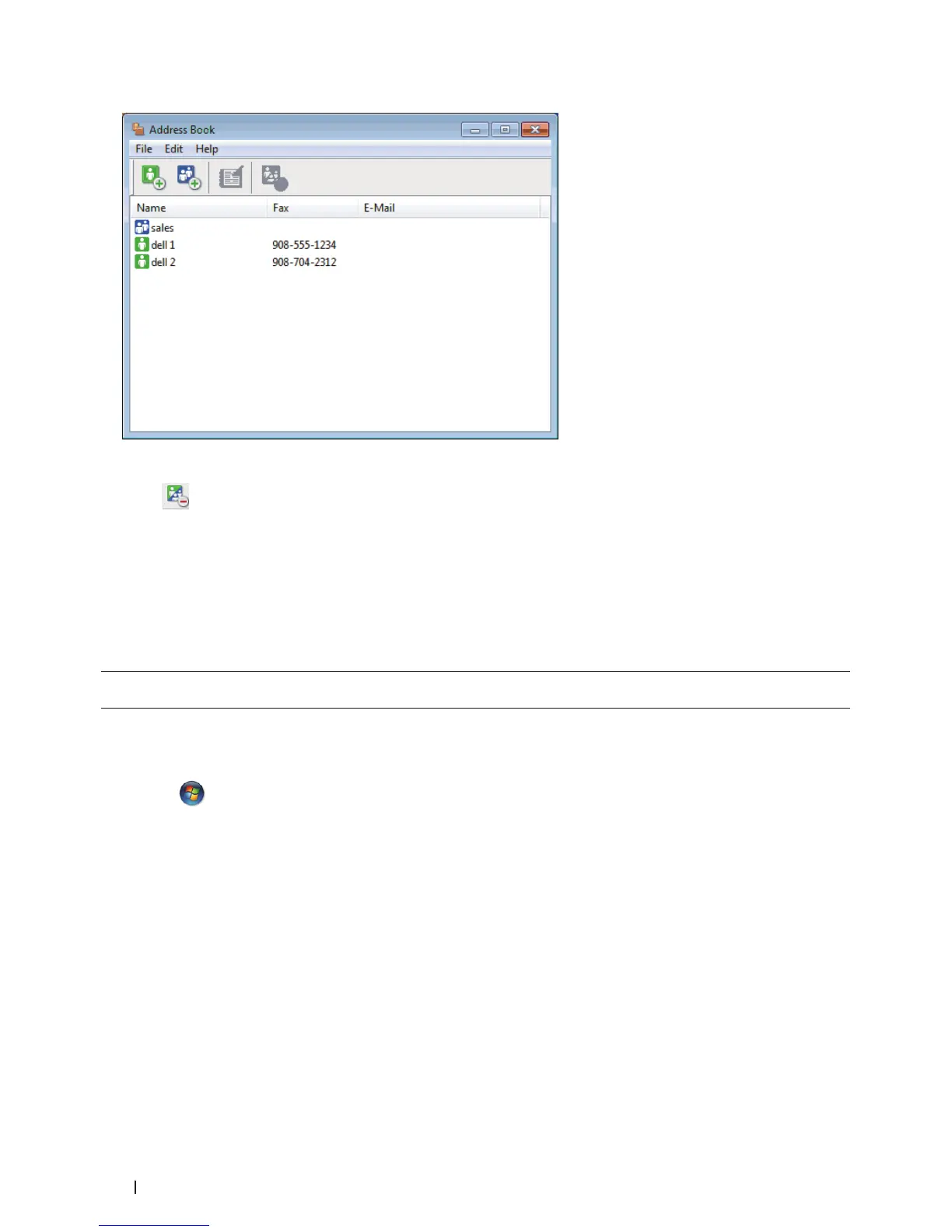
2. Select the member or group you want to delete.
3. Click
(Delete).
4. When the confirmation dialog box appears, click OK.
Export the Address Book (Windows
®
)
Related Models:Dell E515dn / Dell E515dw
You can export the Address Book as an ASCII text file (*.csv), a vCard (an electronic business card), or Remote Setup
Dial Data and save it on your computer.
• You cannot export the group settings when you export the Address Book data.
1. Do one of the following:
• (Windows Vista
®
and Windows
®
7)
Click
(Start) > All Programs > Dell Printers.
Click your model name. Click Address Book.
• (Windows
®
8)
Click Dell Printers, and then click your model name. Click Address Book.
The Address Book dialog box appears.



 To Next Page