183Fax
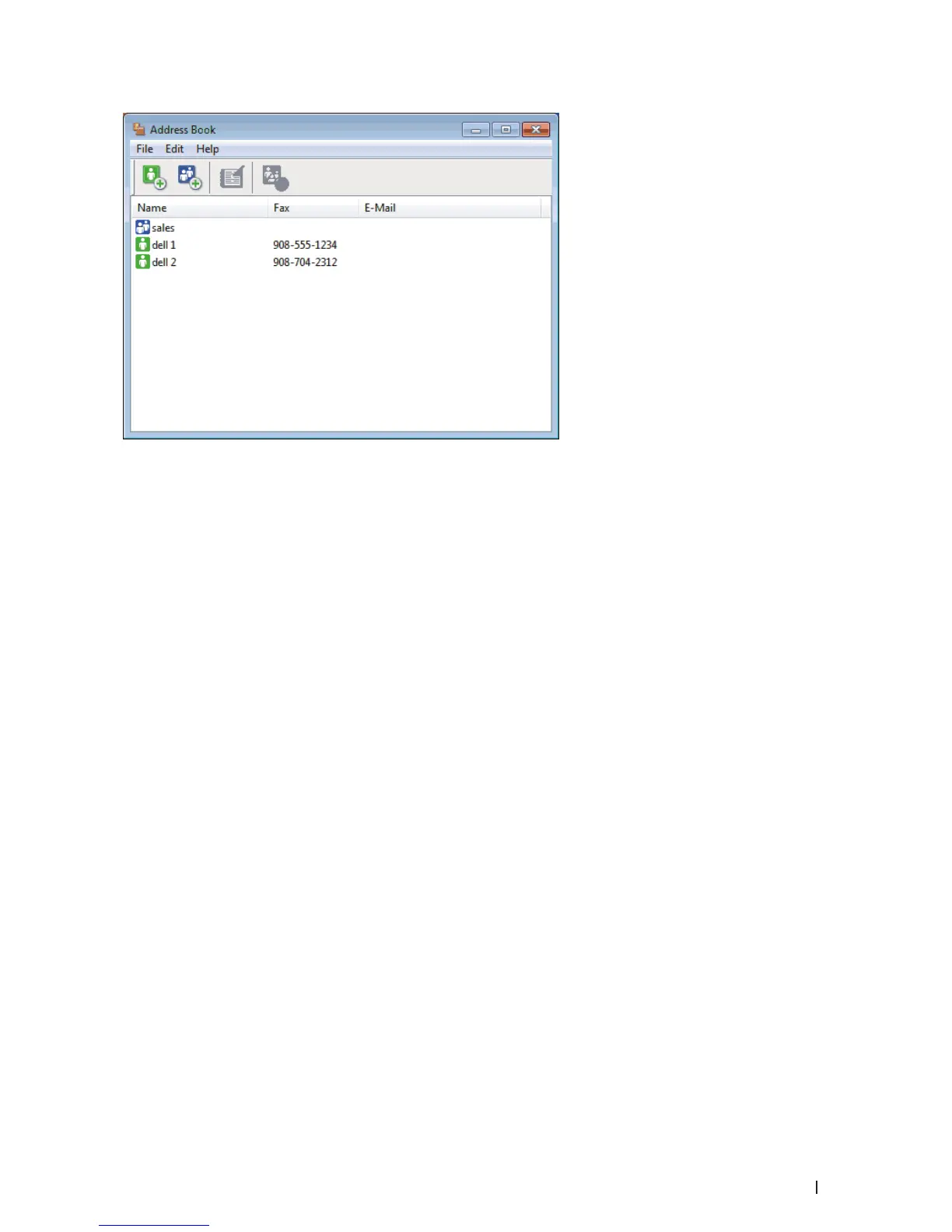
2. Click the File menu, and then select Export.
3. Select one of the following:
• Text
The Select Items dialog box appears. Go to step 4.
• vCard
You must select the member you want to export from your address book before selecting this option.
Browse to the folder where you want to save the vCard, type the vCard name in the File name field, and then
click Save.
• Remote Setup Dial Data
Browse to the folder where you want to save the data, type the file name in the File name field, and then click
Save.
4. In the Available Items field, select the data you want to export, and then click Add >>.



 To Next Page