9
Latitude E6500, E6400 Reviewer‘s Guide
*See important information at end of document
The Tools You Need
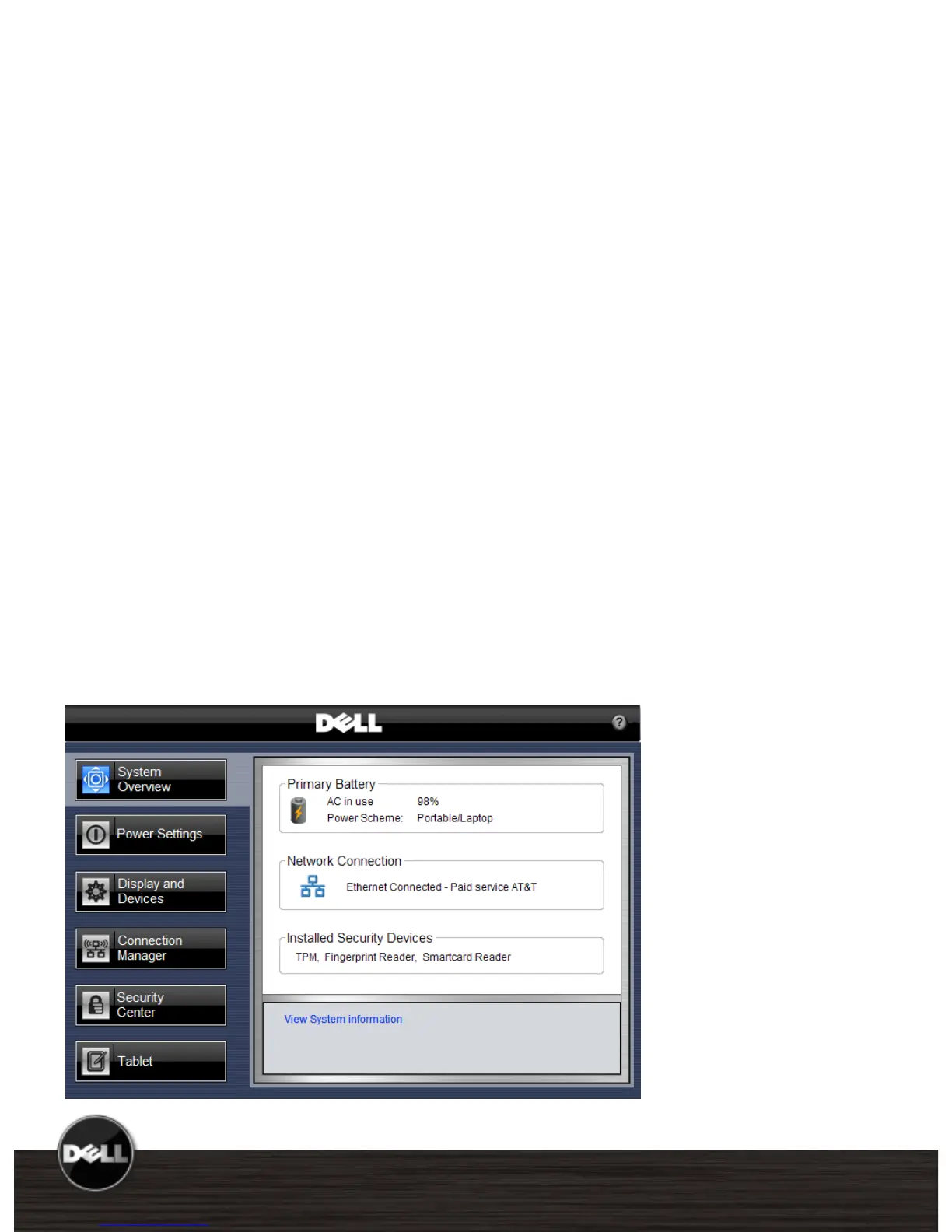
New Dell ControlPoint software puts you in
complete control. It provides a single access
point with intuitive navigation to easily
configure your notebook the way you need it.
With a single hot key combination, you have
access to the settings you need: power
management, displays and devices,
connections, security and system information.
Consistent visual user interface throughout all
these applications means easy, natural
interaction for end users.
User Selectable Modules with Tight
Administrative Controls
IT managers have the option to install all of
the modules or pick and choose specific
modules for their custom system images. IT
managers can also control user configurable
options, create company specific branding, and
enable company help files and automated links
to additional web content.
Latitude E6500, E6400, E6400 ATG Technical Guidebook












 To Next Page