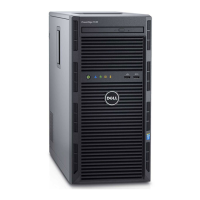
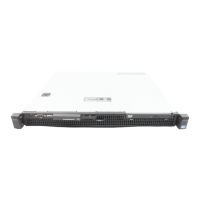
Figure 129. Removing the APERC module
4. If the APERC module is not going to be replaced, install a filler bracket and close the card retention latch.
NOTE:
You must install a filler bracket over an empty expansion card slot to maintain Federal Communications
Commission (FCC) certification of the system. The brackets also keep dust and dirt out of the system and aid in
proper cooling and airflow inside the system.
Figure 130. Installing the filler bracket
Installing and removing system components
175



 To Next Page