Hardware Owner's Manual 4 Maintaining Power Supply and Cooling Modules
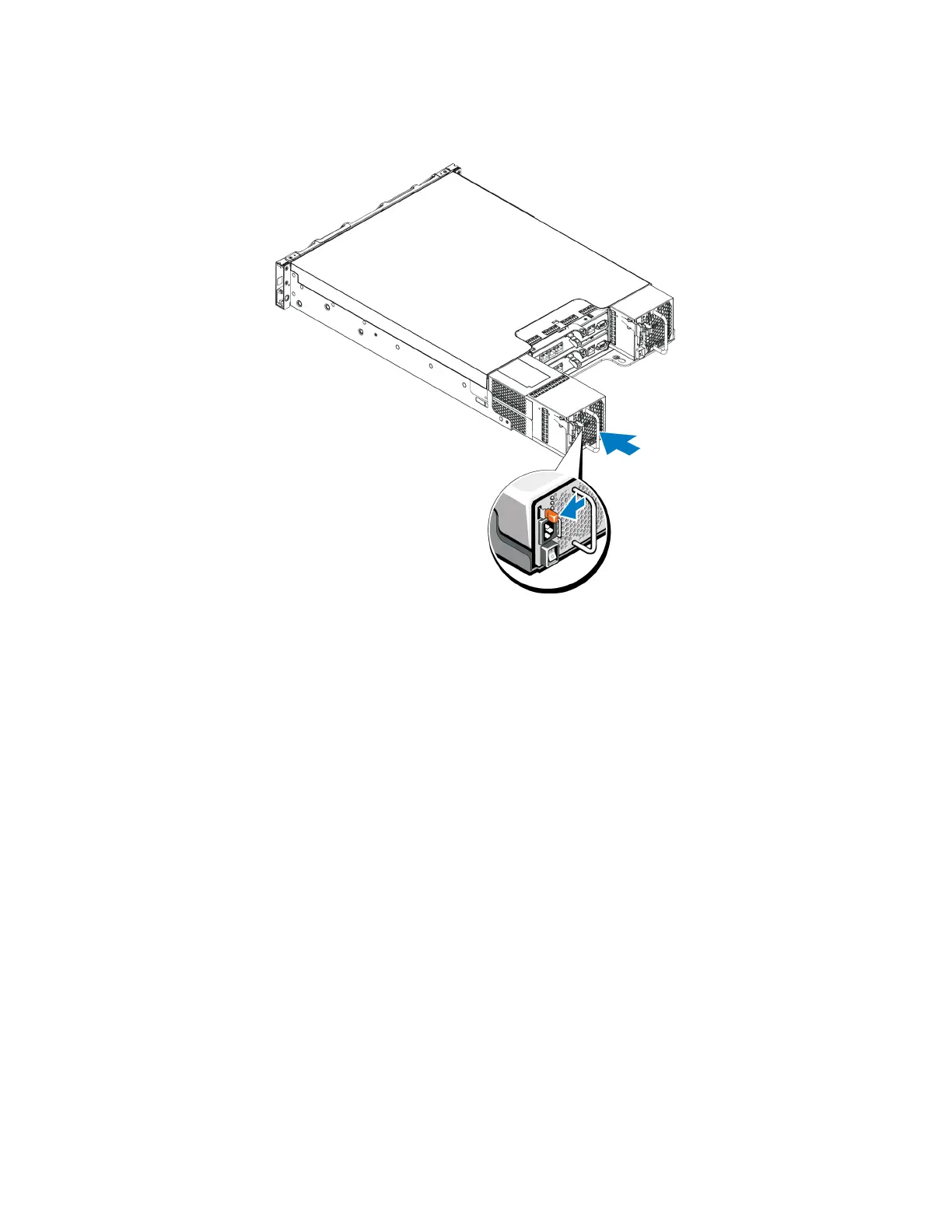
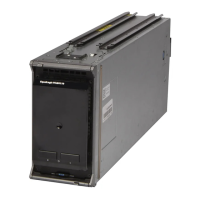
Figure 25: Inserting a Power Supply and Cooling Module
3. Make sure the power switch is in the OFF position.
4. Connect the power cable to the power supply and cooling module and plug the cable into a power outlet.
Note: The AC LED lights up when the AC power cable is connected, even if the switches on the power
supply are off.
5. Secure the power cable using the hook-and-loop fastener strap, as shown in the following illustration.
6. Turn on the switch on the power supply and cooling module.
37




 To Next Page