36 | Operating the monitor
Rear-panel button Description
4
Shortcut key:
Dark Stabilizer
To launch the Dark Stabilizer menu.
5
Shortcut key:
Brightness/Contrast
To directly access the Brightness/Contrast
adjustment sliders.
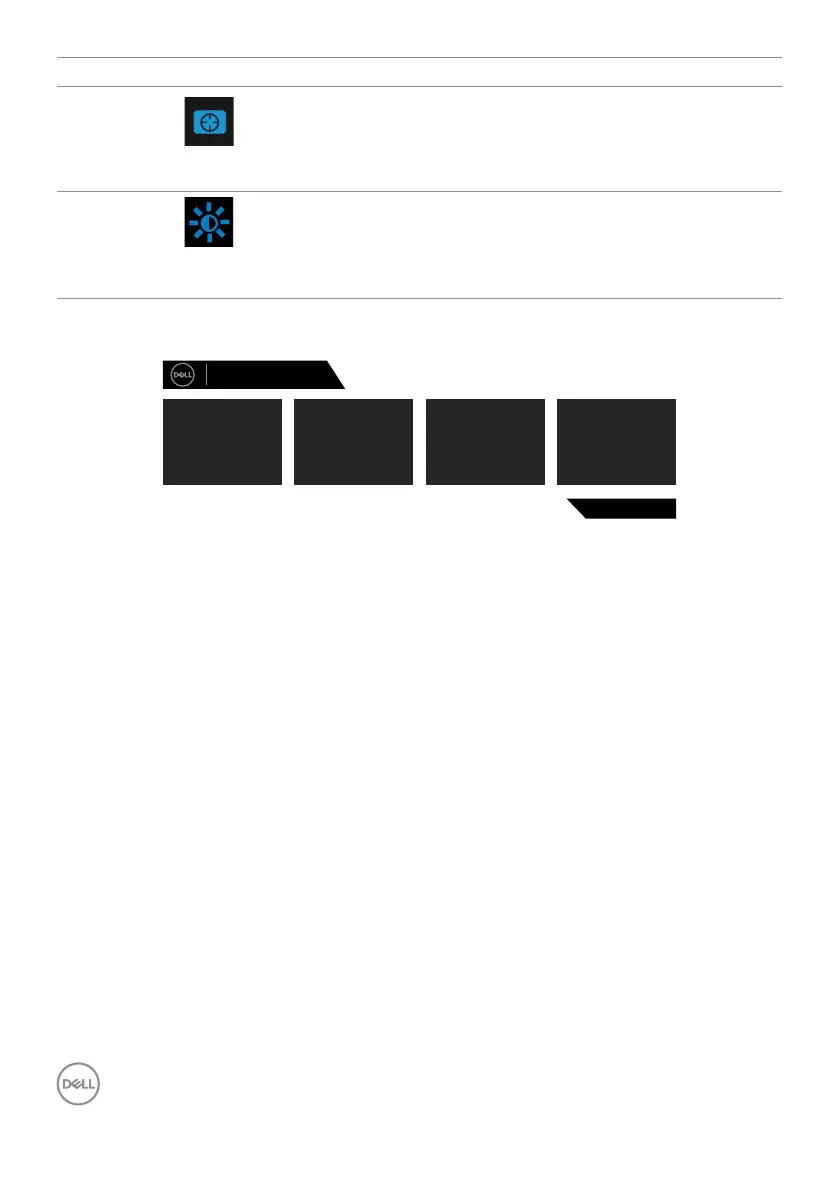
When you press any of these buttons (excluding the joystick button), the OSD status
bar appears to display the current settings of some OSD functions.
Dell 27 Gaming Monitor
G2722HS
Standard
Preset Modes
On
AMD FreeSync
Fast
Response Time
0
Dark Stabilizer



 To Next Page