E-Family Reimage “How-To” Guide
Dell Confidential
-
2.6.25 Latitude ON / Precision ON
- Microsoft XP 32 & 64-Bit, Vista 32 & 64-Bit, and Win7 32 & 64-Bit Operating Systems do
not include the Latitude ON / Precision ON driver and application
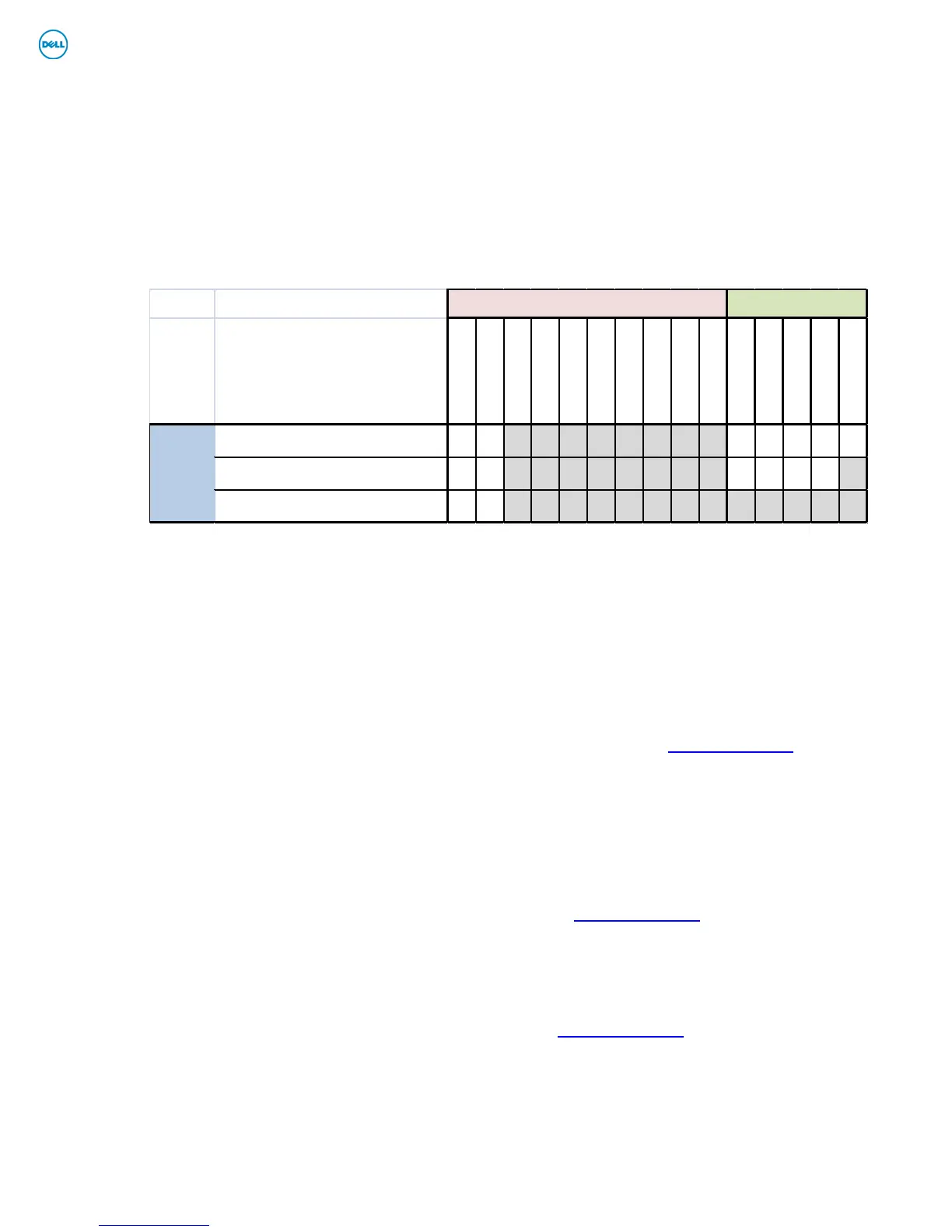
- The following table lists which products supports the Latitude ON / Precision ON feature
- In order to enable the Latitude ON / Precision ON button to hibernate Windows when
switching to Latitude ON / Precision ON modes, Dell recommends installing the
appropriate software. In order to determine the appropriate software to install, boot to the
system BIOS and check the following:
o Under BIOS settings -> system configuration
• Latitude ON – ARM module is installed:
• Install the "Control Point Button Service" in Windows available on
Dell’s driver & downloads support web site (
support.dell.com) under
the “Control Point” section
NOTE: If you installed the Dell Control Point Connection Manager,
the “Control Point Button Service” is already installed
• Latitude ON Flash / Precision ON Flash – Flash module is installed
• Install the "Latitude ON Flash” in Windows available on Dell’s driver
& downloads support web site (
support.dell.com) under the
“Applications” section
• Latitude ON Reader / Precision ON Reader
• Install the "Reader 2.0" in Windows available on Dell’s driver &
downloads support web site (
support.dell.com) under the
“Applications” section
Latitude / Precision ON Reader
Latitude / Precision ON Flash

















 To Next Page