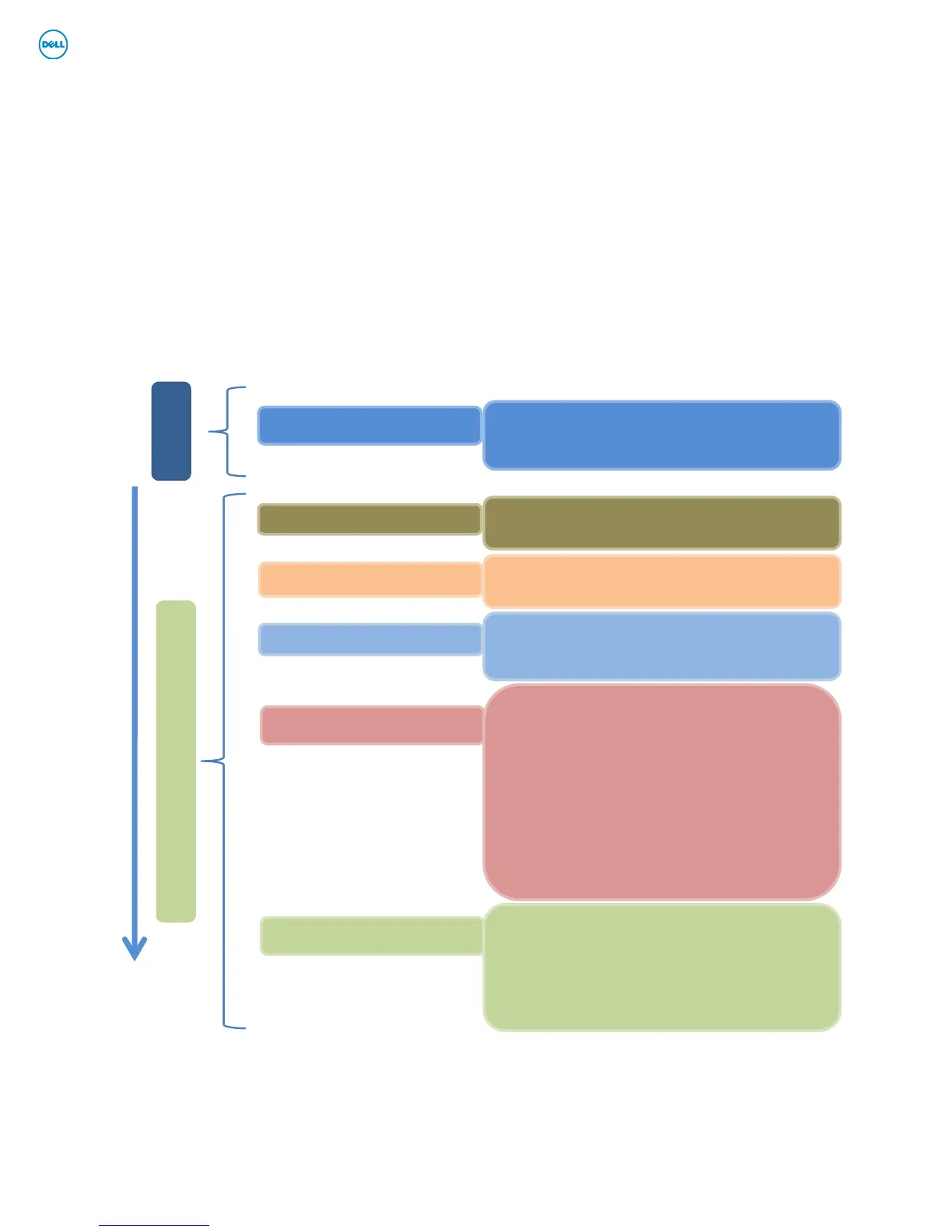
Operating System
Windows XP 32 & 64-Bit
Vista 32 & 64-Bit
Windows 7 32 & 64-Bit
Applications
Dell Control Point – DCP
• System Manager
• Connection Manager – E-Family 1
st
generation only
• Security Manager
Latitude On & Precision On Reader & Flash
Backup & Recovery Manager
Firmware
Integrated Wired Network Controller
Touch LCD
WebCam Modules
Device Drivers / FWs
1. Intel Chipset
2. Dell Desktop System Software
3. PCMCIA/SmartCardcontroller
4. Intel Storage:
5. Audio
6. Graphics
7. Intel Turbo Boost (only on E-Family 2nd generation systems)
8. Integrated Wired Network Controller & Intel PROSet Utility / Application
9. Dell Control Point Security Driver Pack.
10. Wireless Local Area Network Adapters (WLAN)
11. Wireless Personal Area Network Adapter (UWB / WPAN)
12. Mobile Broadband Wireless Wide Area Network Adapter (WWAN)
13. Touch Pad/Track Stick/Pointer
14. Free Fall Sensor
15. Modem
16. Intel vPro or AMT
17. USB 3.0
18. Touch Screen Digitizer
19. Webcam driver – XP (32 & 64-Bit ) only
20. Control Vault Firmware
System BIOS
System BIOS specific to platform
Software
Hardware
Intel Core 2 Duo & Solo & Celeron M – E-Family 1st generation
Intel Core i5 & i7 –
E-Family 2
nd
generation
Hardware
Order Of Installation

















 To Next Page