Media Base 5
Docking Your Computer to the Media Base
1
Before you initially dock your computer, the operating system must
complete its setup process. To verify that the operating system setup
is complete:
a
Ensure that the computer is not connected to the media base.
b
Turn on the computer.
c
Verify that the Microsoft
®
Windows
®
desktop appears.
d
Shut down the computer through the Windows
Start
menu.
2
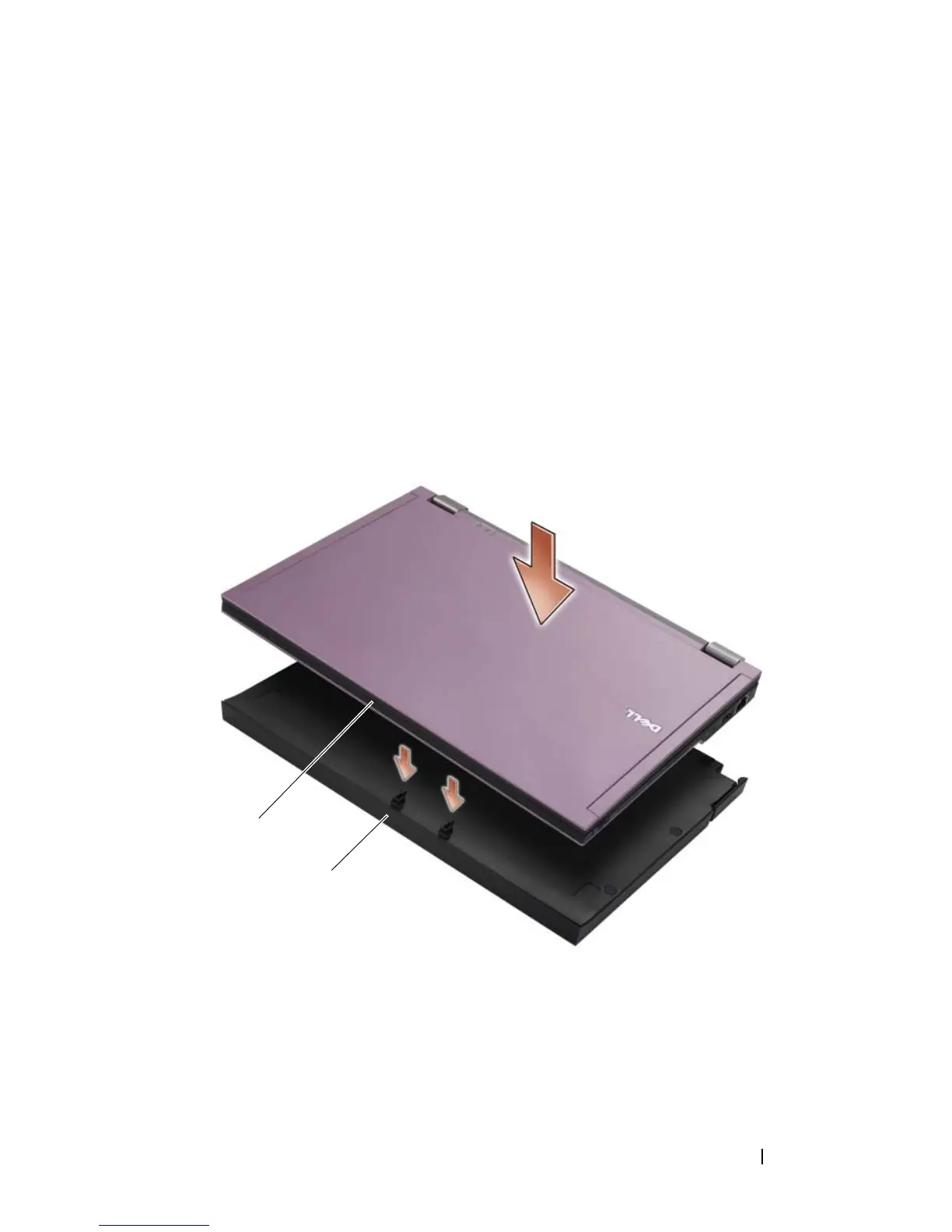
Align the front of the computer with the front of the media base and lower
the computer onto the media base.
1 front of computer 2 media base
2
1

















 To Next Page