6 Media Base
3
Gently press the computer into the media base until it clicks into place.
NOTE: Your computer should be turned off only when you dock your computer
for the first time.
4
Turn on the computer.
The operating system recognizes the media base.
Undocking Your Computer From the Media Base
1
Before you undock your computer, save and close any open files, and exit
any open programs.
2
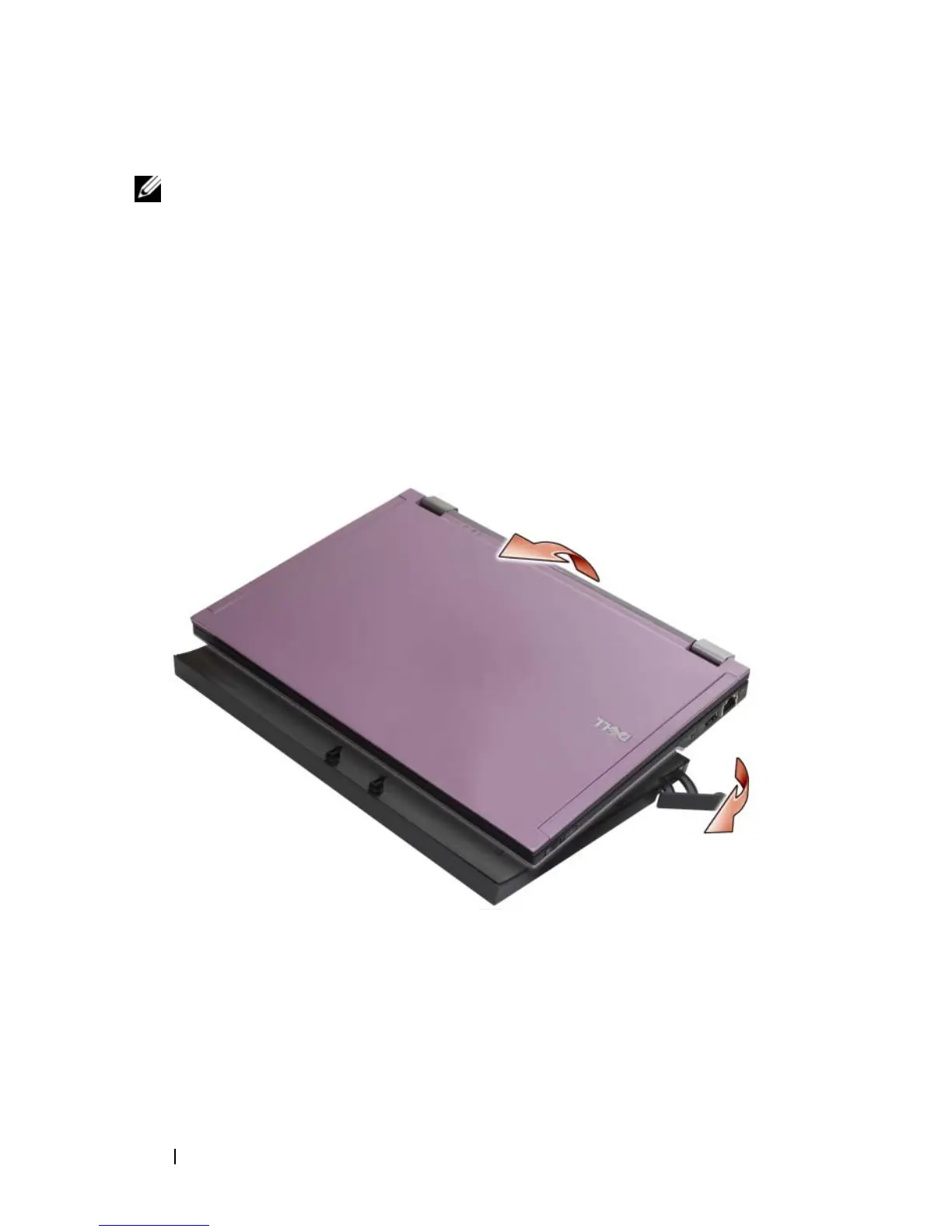
Pull the release lever toward the front of the computer.
3
Lift the computer out of the media base.

















 To Next Page