7 volume control buttons 8 power button
9 USB connectors (2) 10 Wi-Fi Catcher™ Network Locator
11 wireless switch 12 audio connectors (2)
13 right speaker 14 media bay (with optical drive)
15 fingerprint reader (optional) 16 PC Card slot
17 IEEE 1394a connector 18 contactless smart-card reader
19 Secure Digital (SD) memory-card
reader
20 touch pad
21 display latch release 22 touch pad buttons/track stick buttons
23 left speaker 24 track stick
25 keyboard 26 device status lights
27 ambient light sensor
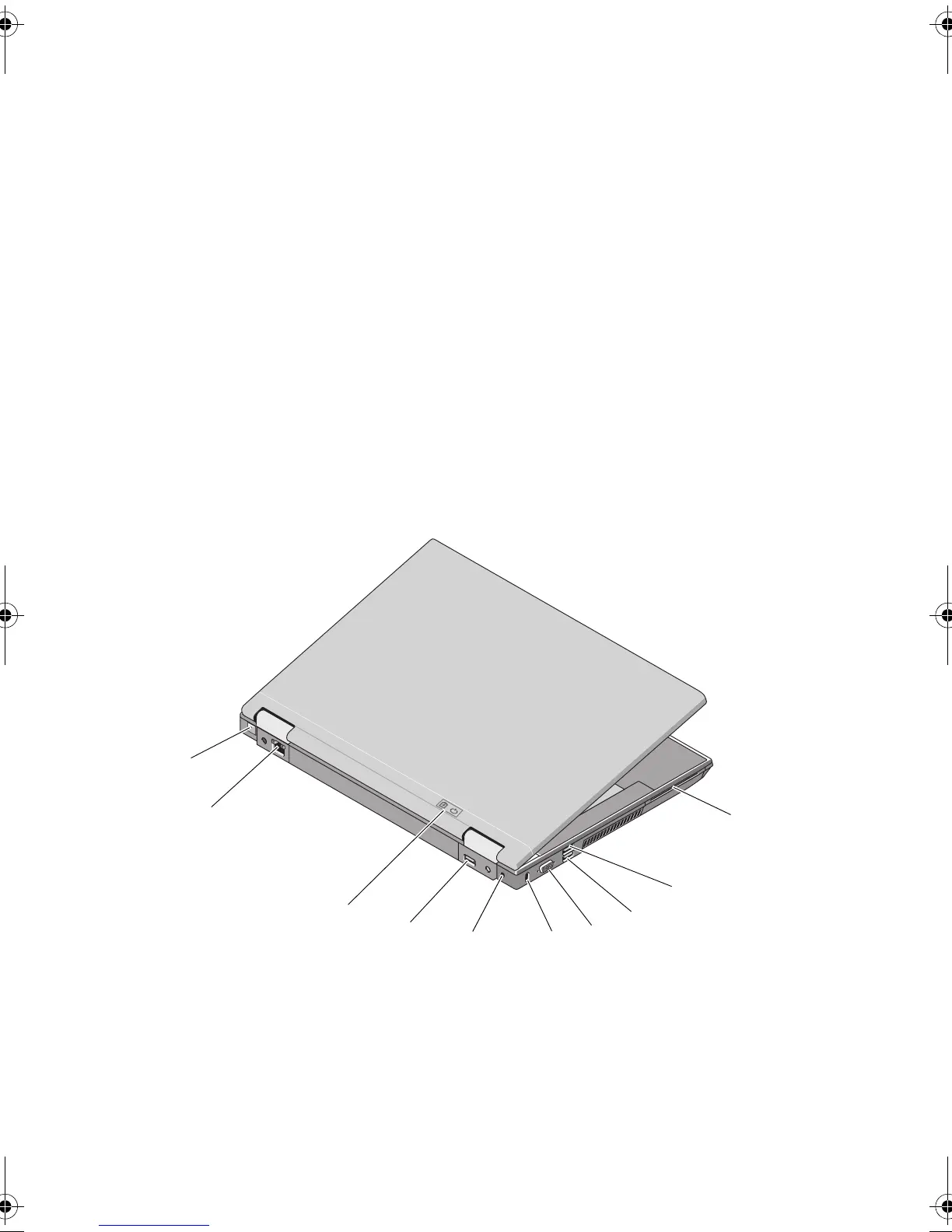
1 RJ-11 modem connector (optional) 2 RJ-45 network connector
3 battery light/power light 4 multimode DisplayPort
5 AC adapter 6 security cable slot
1
2
4
5
6
7
9
8
3
10
Nu031am2.fm Page 10 Tuesday, October 7, 2008 12:36 PM















 To Next Page