4 Dell Latitude XT Multi-Touch Gestures Upgrade
6
In the
Drivers and Downloads
screen, select your operating system and
driver language using the drop-down menus.
7
Click the icon that is beside the
Input Device Drivers
option on the
screen.
8
In the list that opens, find
N-trig - Driver
, and click
Download Now
.
9
In the
File Download - Security N-trig Warning
popup window, click
Save
,
and specify the directory location on your Tablet-PC where you want to
save the file.
NOTE: Wait for the download to complete before continuing.
10
Close your Internet browser and all other applications that are running on
your Tablet-PC.
11
Using Windows
®
Explorer, locate the file you downloaded and double-
click the filename to run the file.
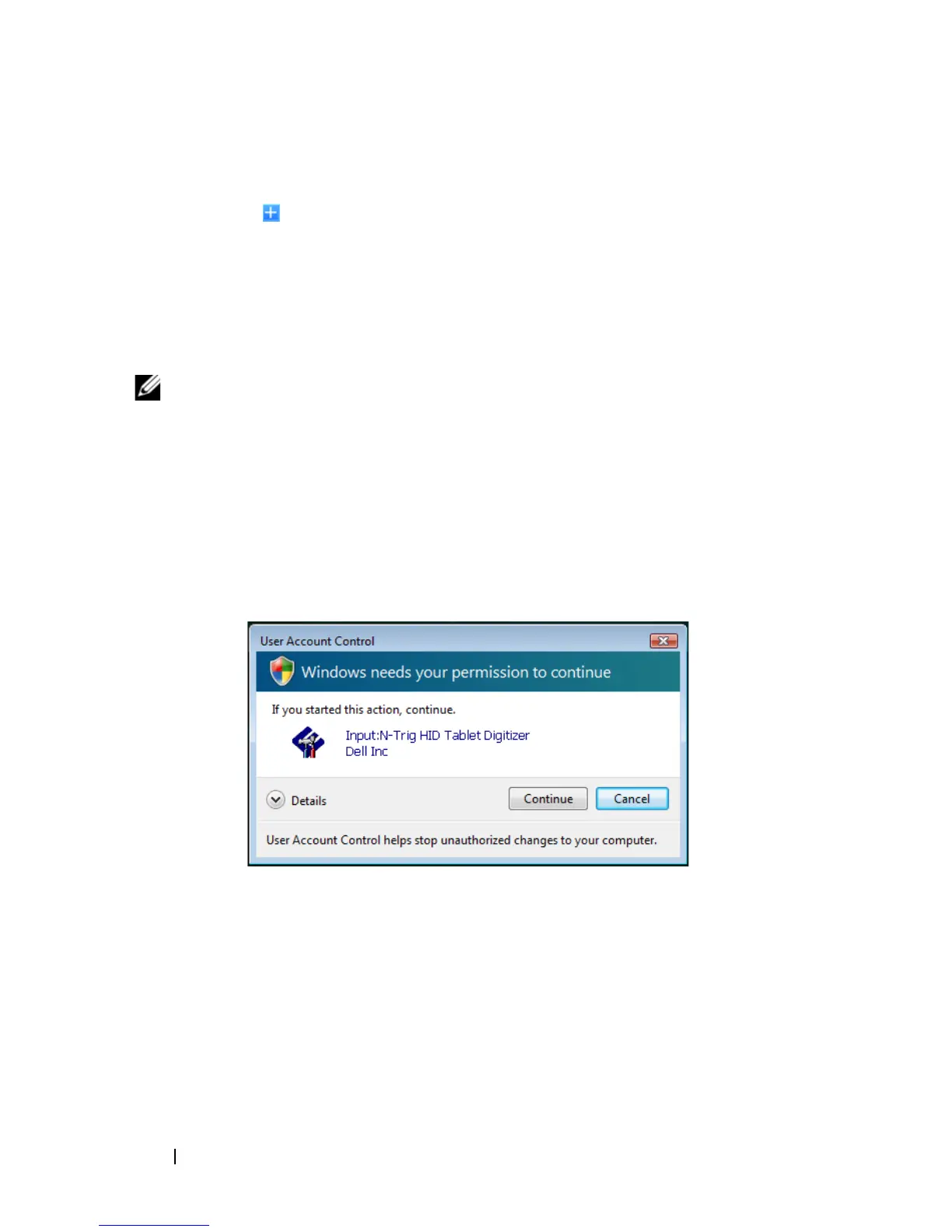
If you are using Windows Vista
®
, a
User Account Control
window opens.
12
Click
Allow
to close this window and start the installation.













 To Next Page