Dell Latitude XT Multi-Touch Gestures Upgrade 5
13
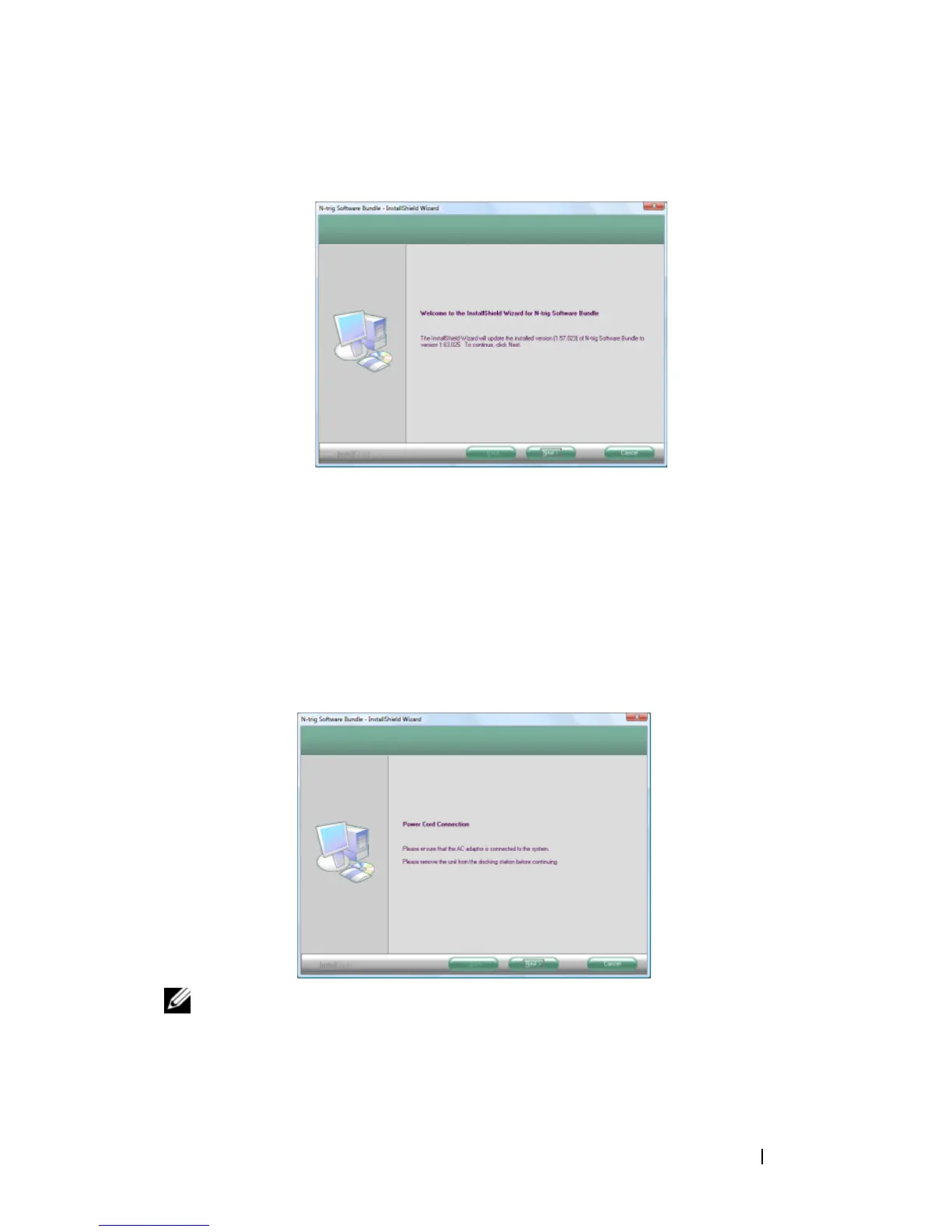
In the first
N-trig Software Bundle
... window, click
Next
to continue.
14
Read carefully the End User License Agreement that appears next on your
Tablet-PC screen, click
I accept the terms of the license agreement
, and
then click
Next
to continue.
15
In the
Ready to Install the Program
window, click
Install
.
16
At the next window, ensure that your AC adapter is powering your
Tablet-PC and it is not attached to a media base (it is undocked).
17
Click
Next
to begin installing the N-trig™ software bundle.
NOTE: In the Setup Status window, a progress bar appears showing the download
status of the host driver first, followed by the device firmware. When the install files
finish downloading, the InstallSheild Wizard Complete window opens.













 To Next Page