6 Dell Latitude XT Multi-Touch Gestures Upgrade
18
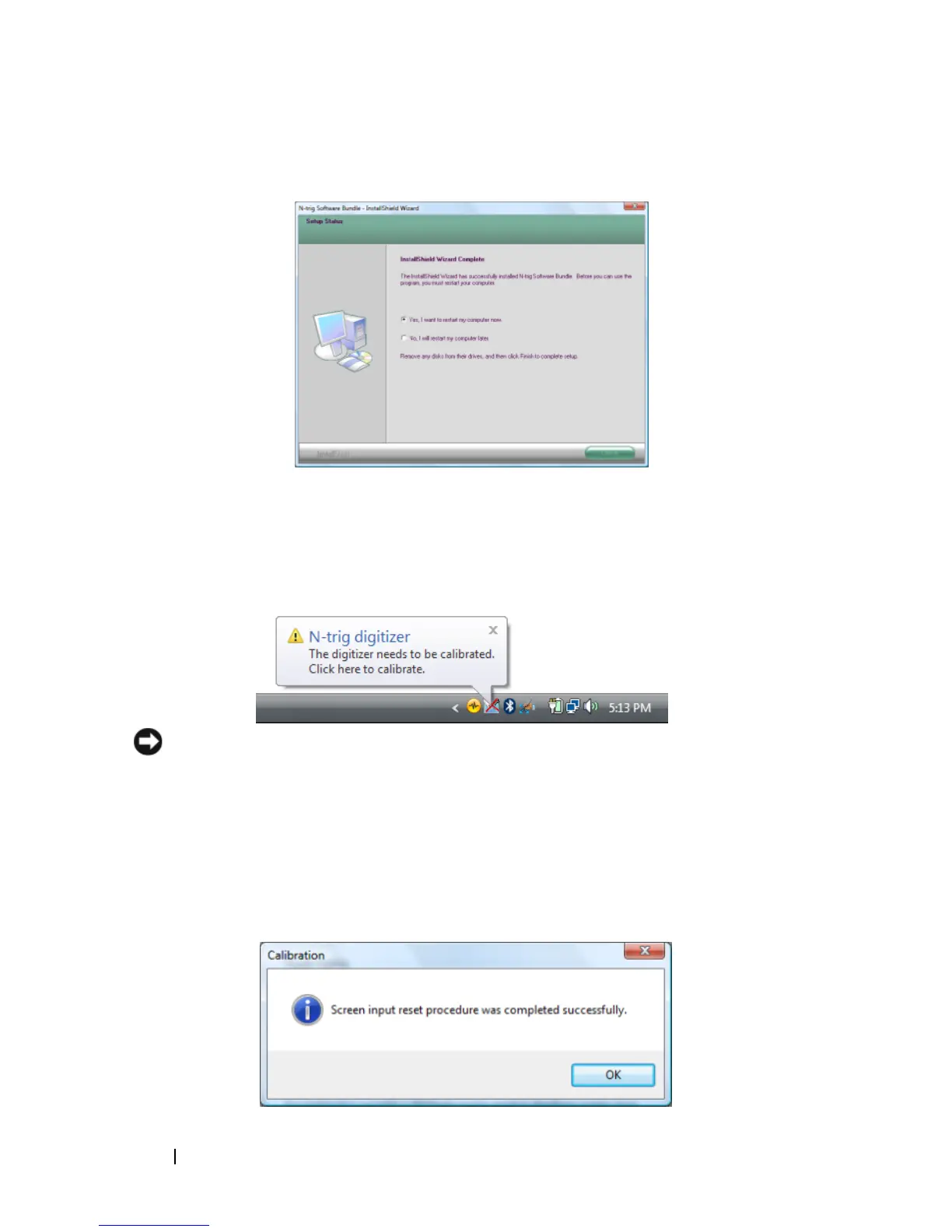
Select
Yes, I want to restart my computer now
, and then click
Finish
.
19
After your Tablet-PC restarts, the N-trig icon in the system tray contains a
red "X", with the balloon message
...The digitizer needs to
be calibrated...
20
Tap the balloon to start the calibrator.
NOTICE: While the calibrator is running, do not touch the Tablet-PC screen.
21
Follow the instructions in the
Calibrator
window.
When the calibration is complete, a pop-up window appears with a
message confirming that the
...procedure was completed
successfully.
22
Tap the
OK
button.













 To Next Page