Dell Latitude XT Multi-Touch Gestures Upgrade 7
Gesture Features
Gestures are expressions made while touching the screen of your Tablet PC
with two fingers. They are interpreted as user commands to the operating
system or active application software. When the operating system recognizes
a gesture, an icon confirming the gesture appears on the screen. This multi-
touch update includes three gestures: a scroll gesture, a zoom gesture, and a
two-finger double-tap gesture.
Gestures icons shown herein are sourced by N-trig Ltd.
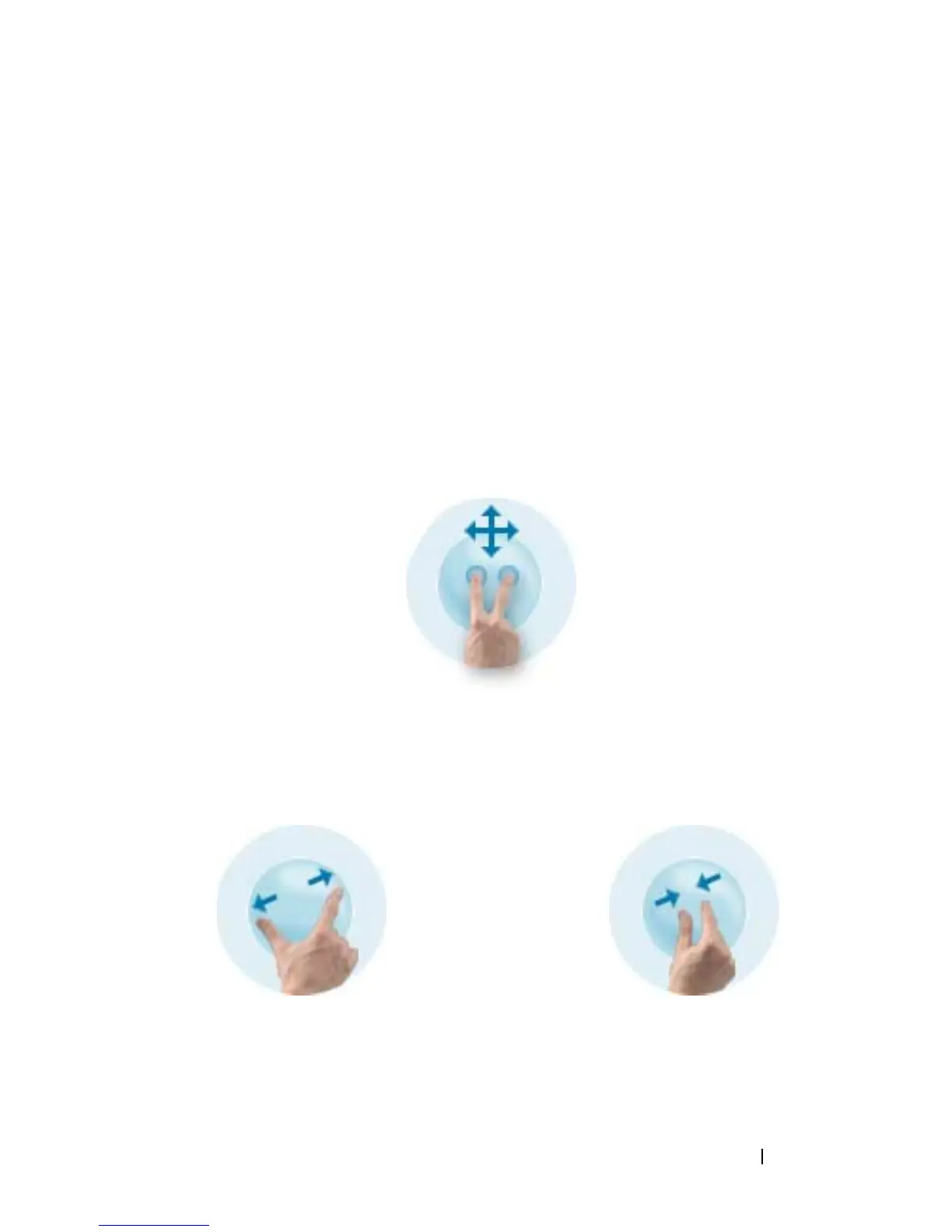
Scroll Gesture
Placing two fingers on the screen and moving them horizontally or vertically
generates scrolling in the direction of movement: right, left, up, or down.
Zoom Gesture
Touching the screen with two fingers and moving them together or apart
generates a zoom-in or zoom-out command to the screen.













 To Next Page