FCC ID:
SUZ-WU5205C
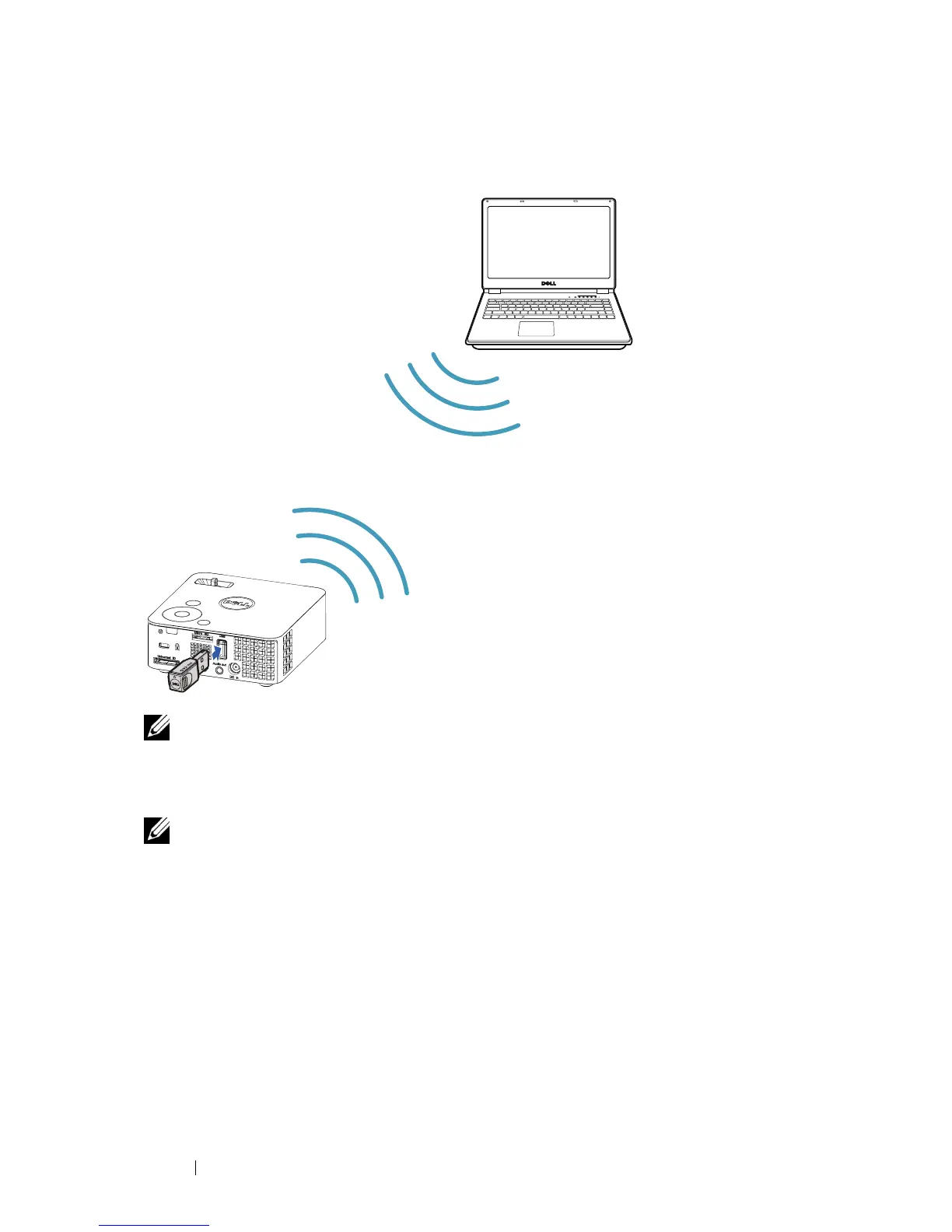
Connecting a Computer Using Wireless Dongle (Optional)
NOTE: Your computer should be equipped with a wireless connector
and properly configured to detect another wireless connection. Refer
to your computer’s documentation on how to configure a wireless
connection.
NOTE: Your projector must be installed with a wireless dongle if you
want to use the wireless display. The wireless dongle is not shipped
with your projector. You can purchase it on the Dell website at
www.dell.com.
Connecting Your Projector 10



 To Next Page