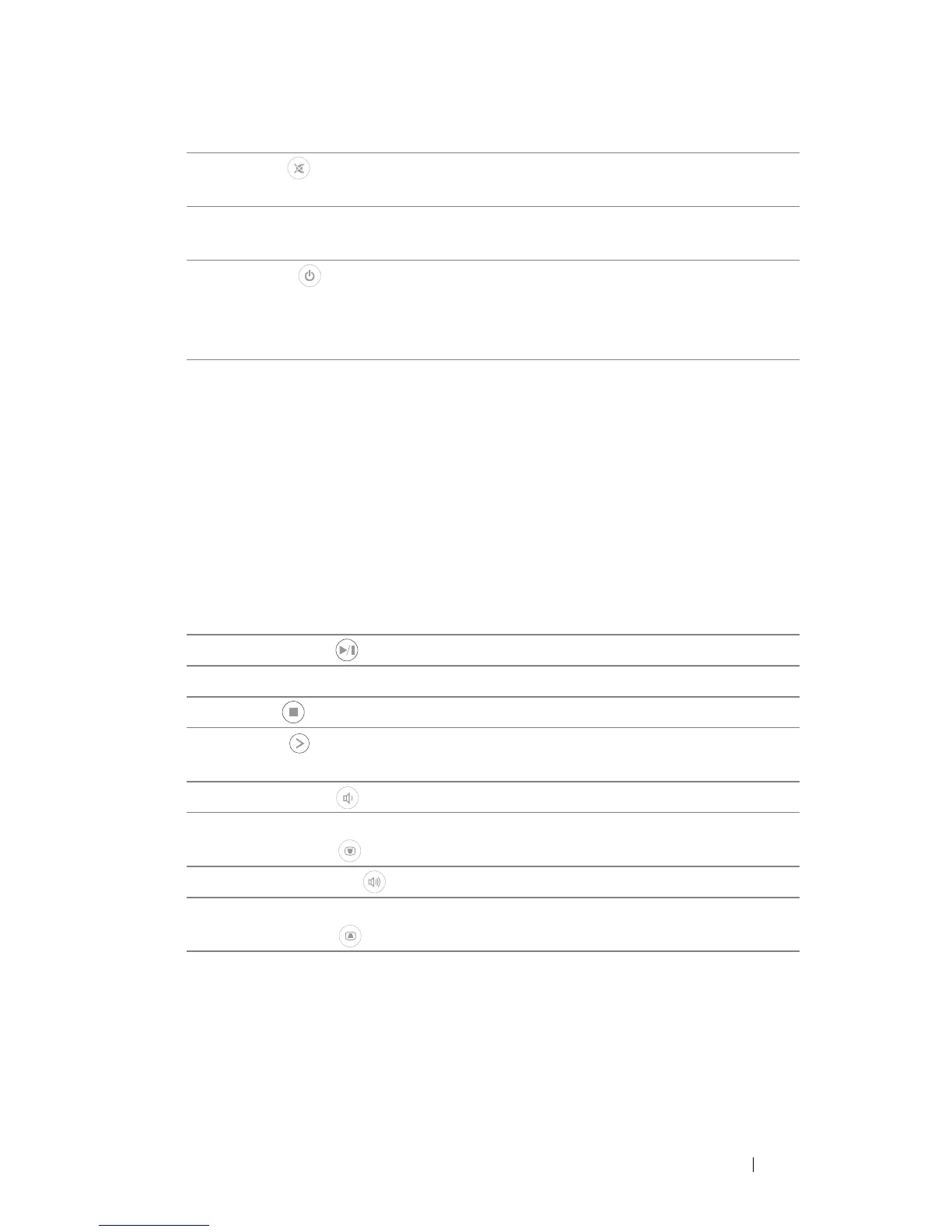
9 Mute Press to mute or un-mute the projector
speaker.
10 Aspect ratio Press to change aspect ratio of a displayed
image.
11 Power Turns the projector on and off. For more
information, see "Turning Your Projector On"
on page 15 and "Turning Your Projector Off"
on page 15.
12 Video mode The projector has preset configurations that
are optimized for displaying data
(presentation slides) or video (movies, games,
etc.).
Press the
Video Mode
button to toggle
between
Presentation mode
,
Bright mode
,
Movie mode
,
sRGB
, or
Custom mode
.
Pressing the
Video Mode
button once will
show the current display mode. Pressing the
Video Mode button again will switch
between modes.
13 Play/Pause Press to play/pause media file.
14 Blank screen Press to hide/unhide the image.
15
16
17
Stop
Right
Volume up
Press to stop playing media file.
Press to navigate through the On-Screen
Display (OSD) Menu items.
Press to increase the volume.
18
19
20
Keystone
adjustment
Volume down
Keystone
adjustment
Press to adjust image distortion caused by
tilting the projector (+/-40 degrees).
Press to decrease the volume.
Press to adjust image distortion caused by
tilting the projector (+/-40 degrees).
Using Your Projector 23



 To Next Page