NOTE:
STORAGE MODE—
You may also connect USB cable in Internal
Memory source to execute copy, delete, move and more
instructions from your computer to projector internal memory
and SD card.
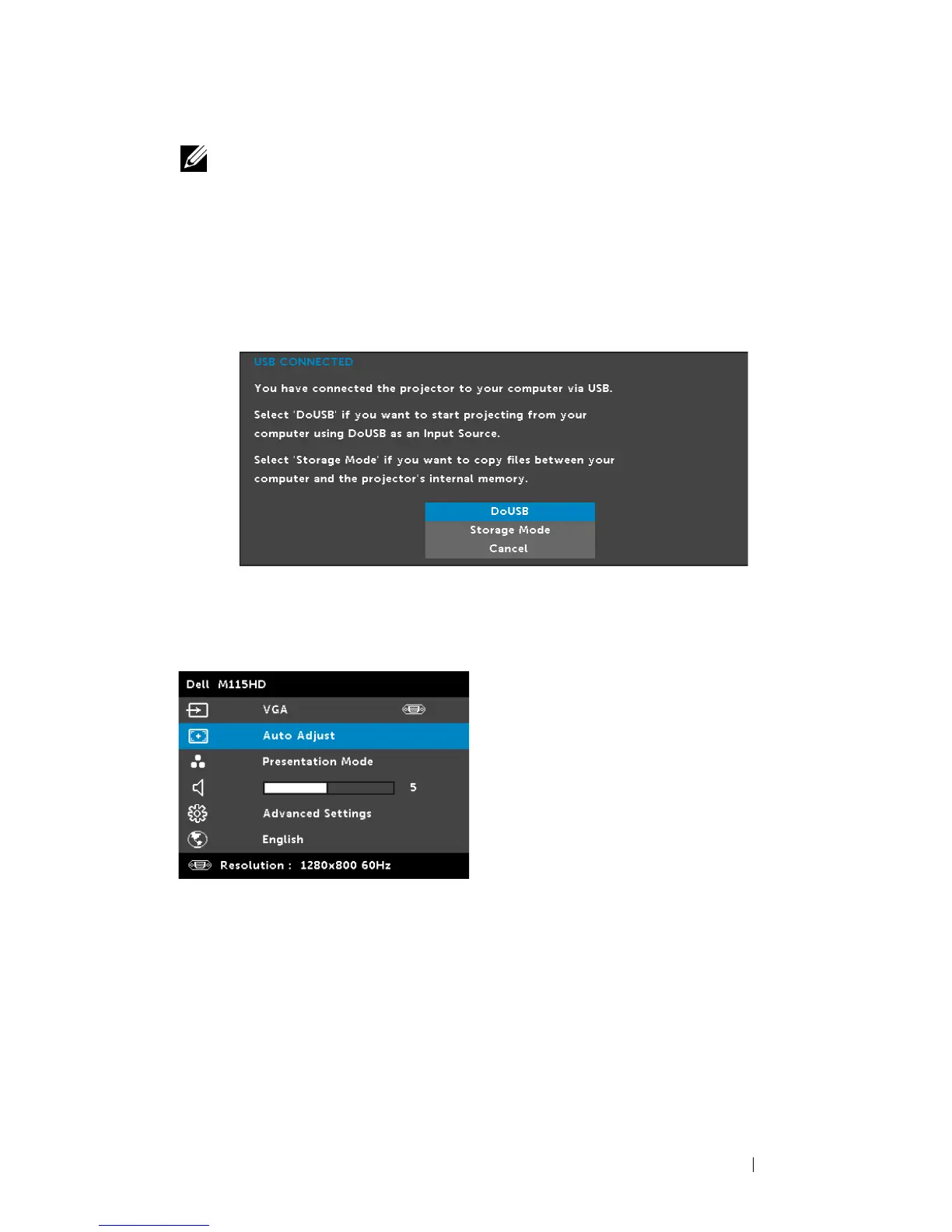
When you connect the projector and computer via USB cable,
a USB Connected message will pop up and allow you to select
DoUSB
or
Storage Mode
.
AUTO ADJUST
Auto Adjust automatically adjusts the projector's
Horizontal
,
Vertical
,
Frequency
, and
Tracking
in PC mode.
VIDEO MODE
The Video Mode menu allows you to optimize the display image. The
options are:
Presentation
,
Bright
,
Movie
,
sRGB
(provides more accurate
Using Your Projector 27



 To Next Page