3
TAKING CARE OF YOUR NOTEBOOK PC
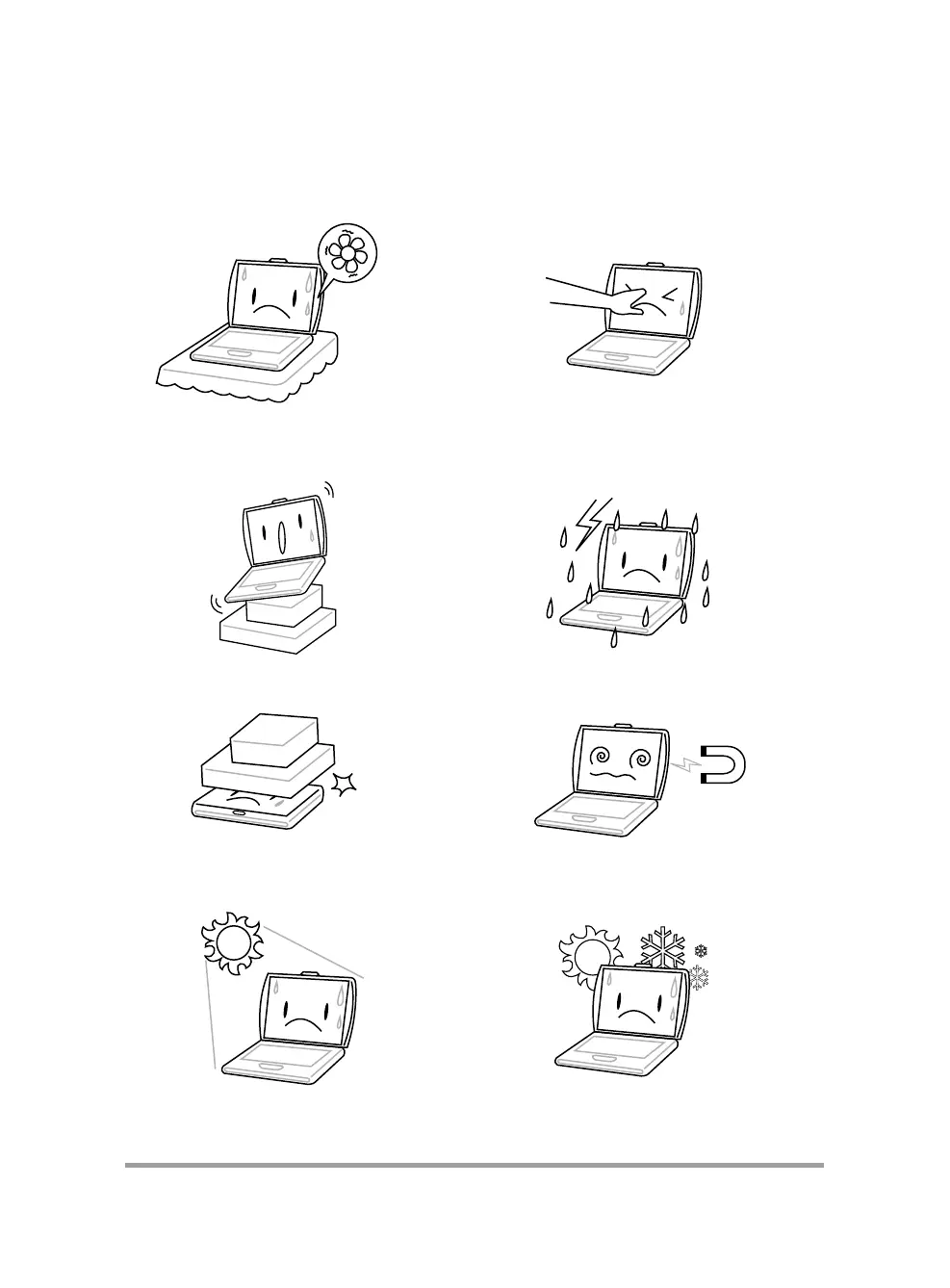
DO NOT place or drop objects on the computer
and DO NOT apply heavy pressure on it.
DO NOT subject the computer to magnetic
fields.
To prevent possible overheating of the computer's
processor, make sure you don't block the open-
ings provided for ventilation.
DO NOT press or touch the display panel.
DO NOT place on uneven or unstable work
surfaces.
DO NOT use your notebook computer under
harsh conditions.
DO NOT expose to direct sunlight. DO NOT use or store in extreme temperatures.



 To Next Page