BEFORE YOU START
7
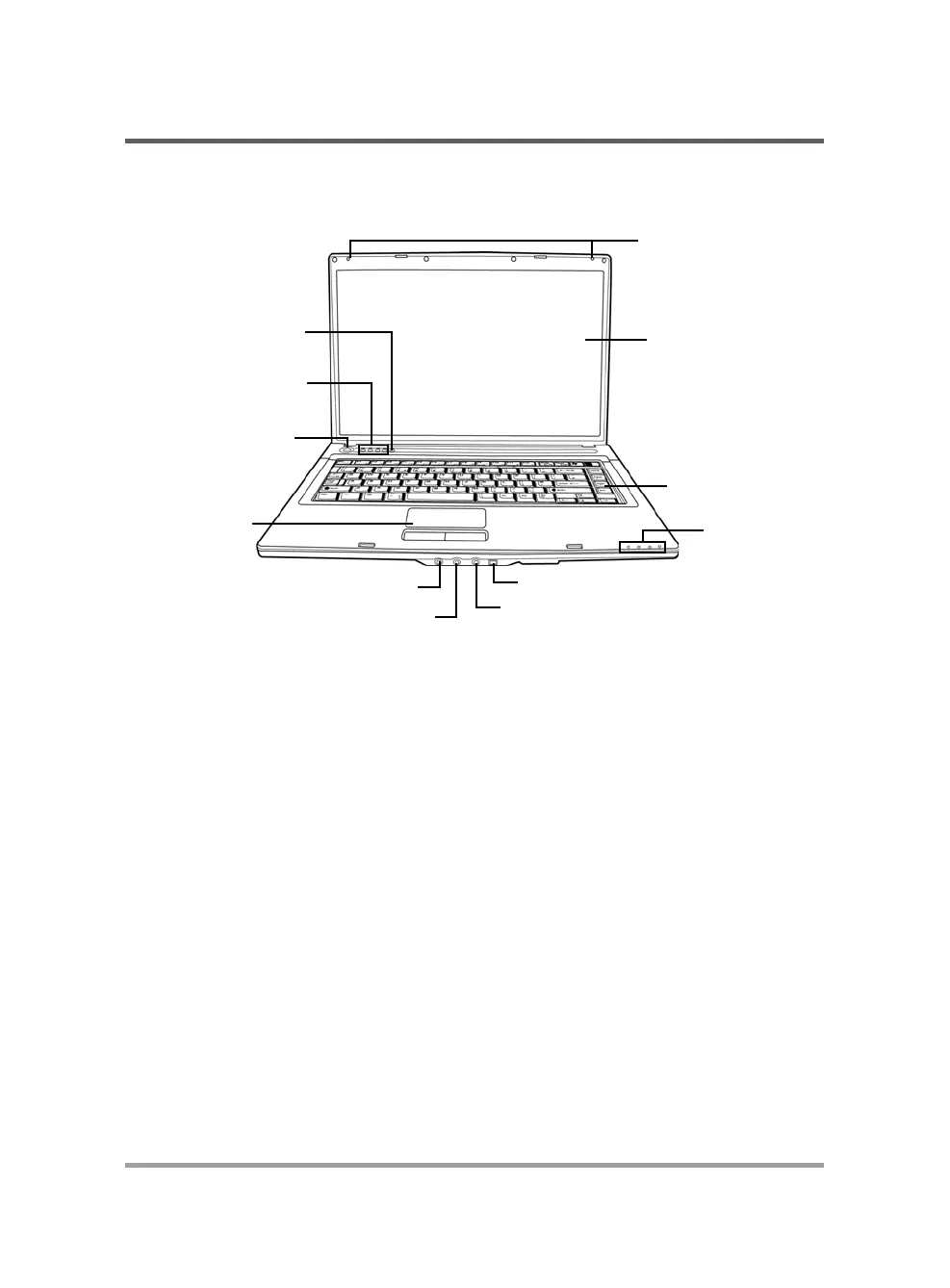
Display Panel
Suspend/Resume/
Power On Button
Keyboard
Status Indicator
Lights
Microphone Jack
Headphone Jack
TouchPad
Pointing Device
Quick Start Buttons
Wireless LAN
IEEE 1394 Port
Line-In Jack
FRONT OVERVIEW
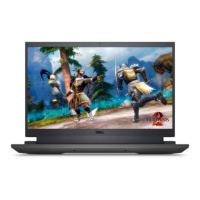
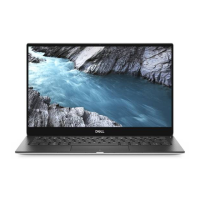
The following is an overview of the front of the notebook.
Array Microphone
The built-in array microphone is an omni-directional audio input device. It allows for the stereo
reception and transmission of voice and/or other audio data to any program capable of accepting
such input.
Display Panel
The display panel is a color LCD panel with back lighting for the display of text and graphics.
Keyboard
A full-size keyboard with dedicated Windows
®
keys.
Stereo Speakers
The built-in dual speakers allow for stereo sound.
Status Indicator Lights
The Status indicator lights correspond to specific operating modes. These modes are: Caps lock,
Num Lock, Hard drive Activity (HDD), Wireless/Bluetooth Activity, Power On status, Battery/
AC Adpater status, Memory Card Reader Activity.
Array Microphone



 To Next Page