Quick Reference Guide 19
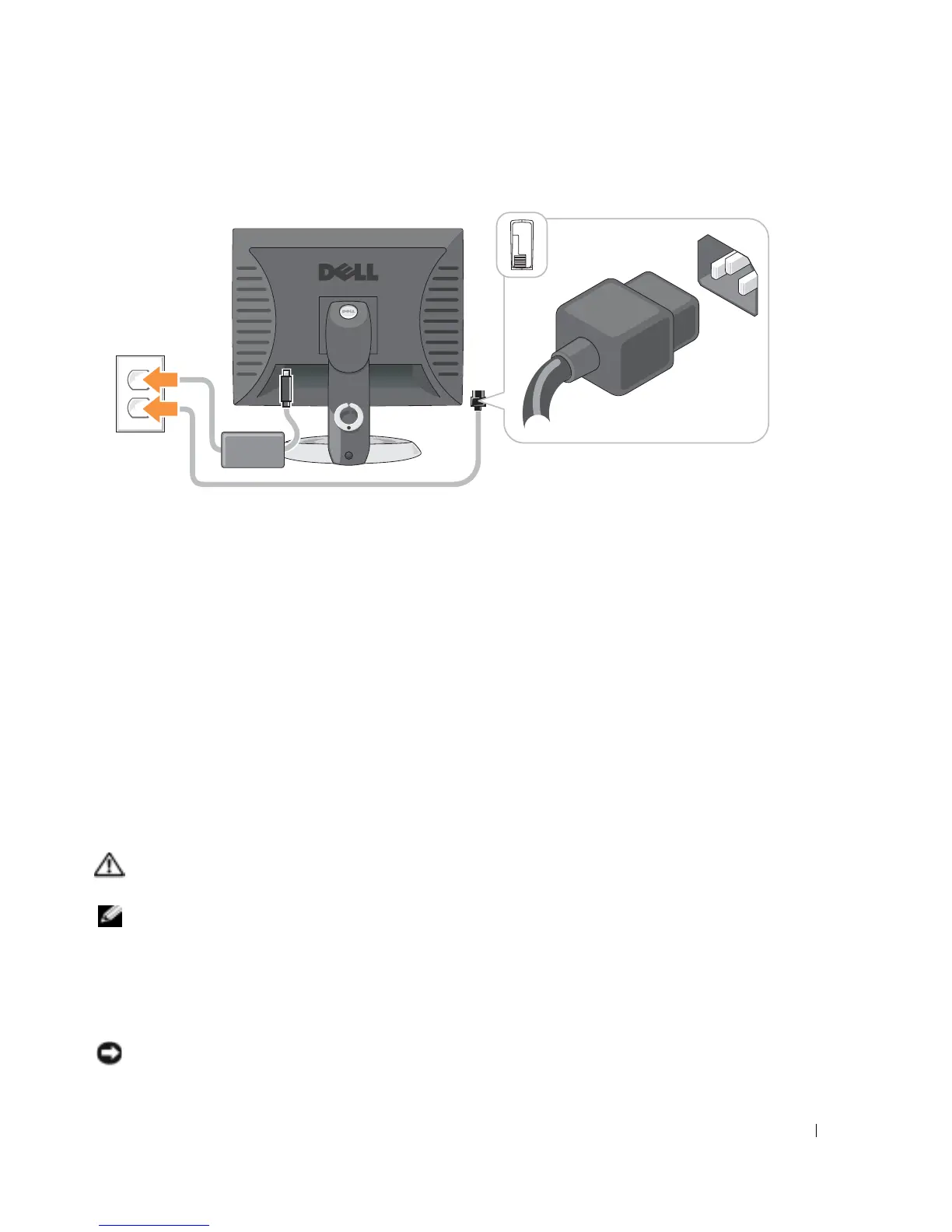
Power Connections
Solving Problems
Dell provides a number of tools to help you if your computer does not perform as expected. For the
latest troubleshooting information available for your computer, see the Dell Support website at
support.dell.com
.
If computer problems occur that require help from Dell, write a detailed description of the error,
beep codes, or diagnostics light patterns; record your Express Service Code and Service Tag below;
and then contact Dell from the same location as your computer.
See "Finding Information for Your Computer" on page 5 for an example of the Express Service
Code and Service Tag.
Express Service Code:___________________________
Service Tag:___________________________
Dell Diagnostics
CAUTION: Before you begin any of the procedures in this section, follow the safety instructions in the
Product Information Guide.
NOTE: The Drivers and Utilities CD (ResourceCD) is optional and therefore may not ship with all
computers.
When to Use the Dell Diagnostics
If you experience a problem with your computer, perform the checks in "Solving Problems" of your
online
User’s Guide
and run the Dell Diagnostics before you contact Dell for technical assistance.
NOTICE: The Dell Diagnostics works only on Dell™ computers.












 To Next Page