Dell OptiPlex Micro Cable Cover
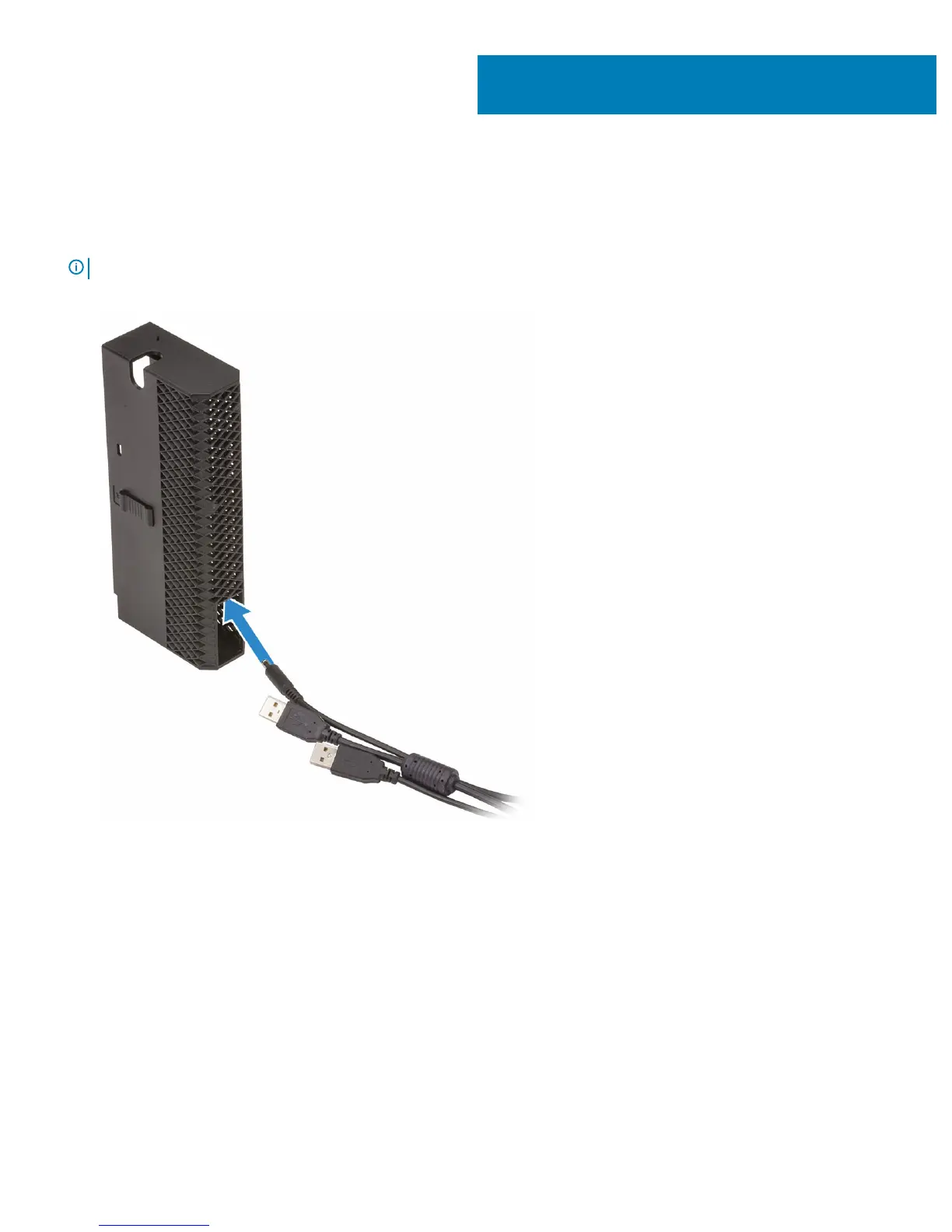
The cable cover for the Dell OptiPlex Micro system helps protect the ports and cables connected to the system.
Follow these steps to install the cable cover.
NOTE: Images shown below may vary depending on your system conguration.
1 Route the cables through the slot at the bottom of the cable cover.
2 Connect the cables to their respective ports and turn the antenna (if available/applicable) outwards to pass through the antenna slot
at the top of the cable cover.
1
4 Dell OptiPlex Micro Cable Cover














 To Next Page