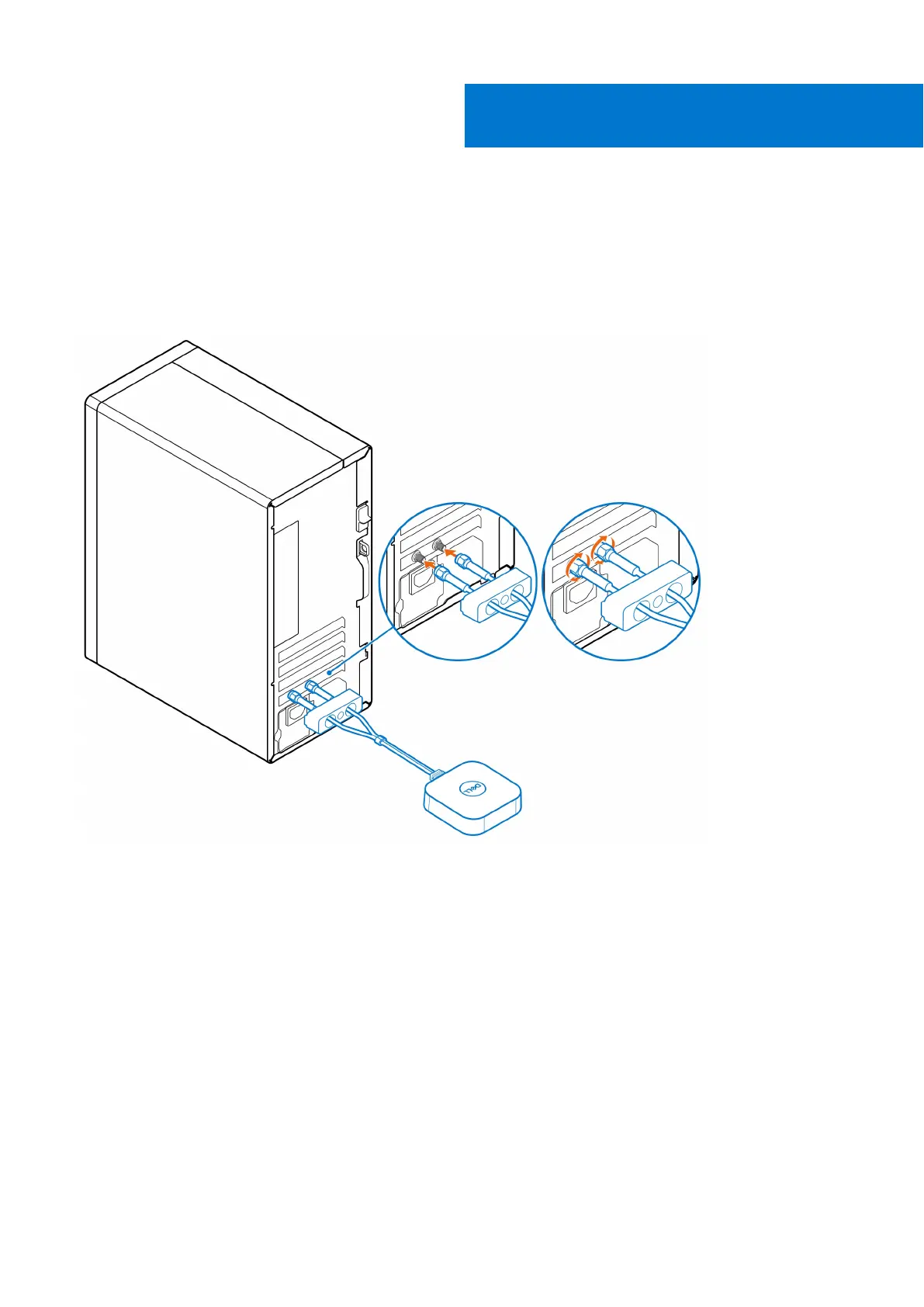
OptiPlex Tower Antenna
Steps
1. Follow the instructions in Before you begin.
2. Align and connect the antenna cables to the SMA connectors on the chassis.
3. Tighten the bolts to secure the antenna cables to the SMA connectors on the chassis.
4.
Slide the SMA cover over the antenna cables.
5. Align the tabs on the SMA cover with the slots on the chassis.
6. Push the SMA cover towards the chassis until it clicks into place.
7. Tighten the captive screw to secure the SMA cover to the chassis.
3
6 OptiPlex Tower Antenna















 To Next Page