Books
41
7
Drag the page to the left to view the next page.
8
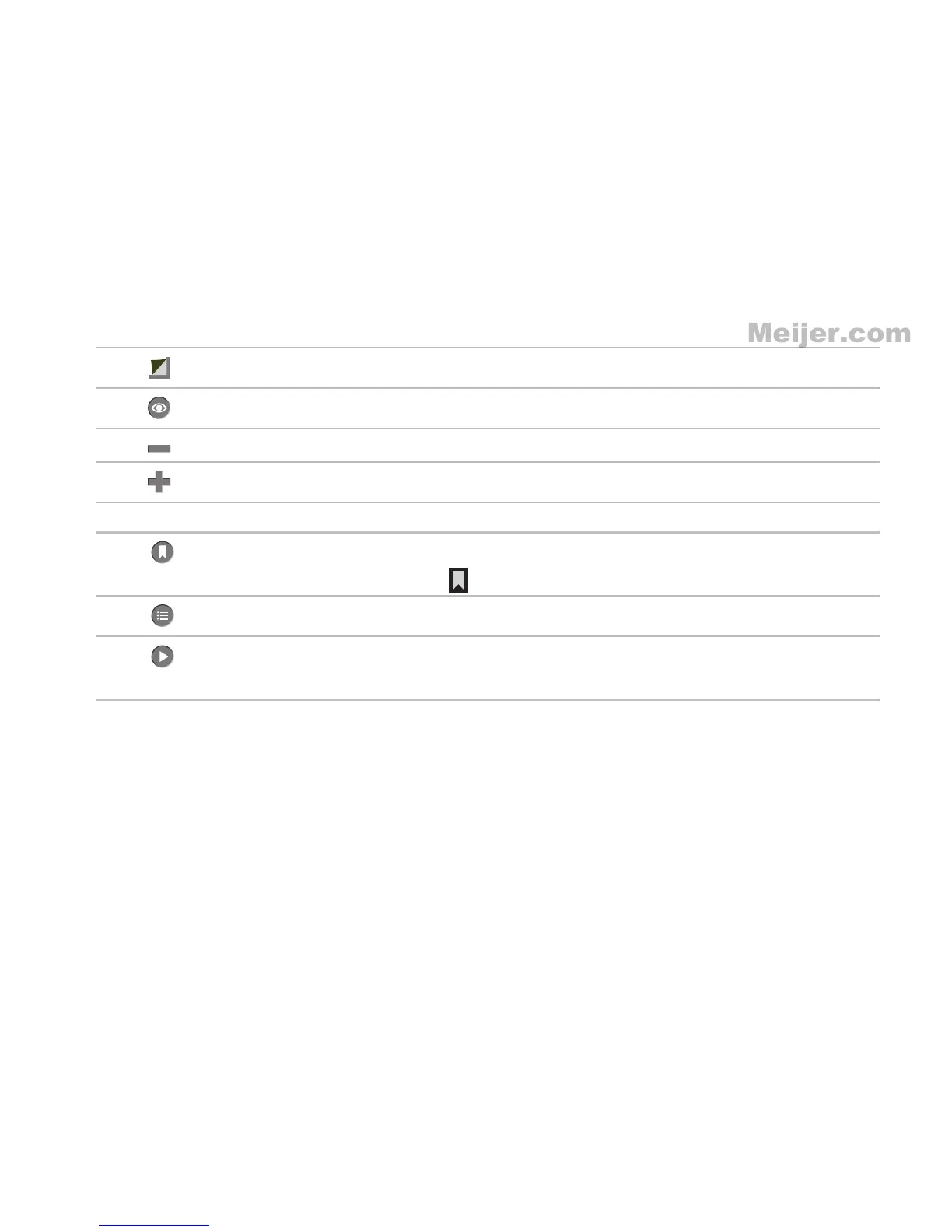
Touch to see the different options to view and zoom a book.
9
Touch to zoom in the text on the pages.
10
Touch to zoom out the text on the pages.
11 Touch the horizontal scroll bar to scroll through the pages quickly.
12
Allows you to create bookmarks in a book. Drag and highlight one or more words.
The Text Toolbar appears. Touch the on the Text Toolbar to save it as a bookmark.
13
Touch to view table of contents in a book.
14
Touch to start reading the book aloud. As each word is spoken, it is highlighted as
an aid to reading.













 To Next Page