Books
42
Searching Books
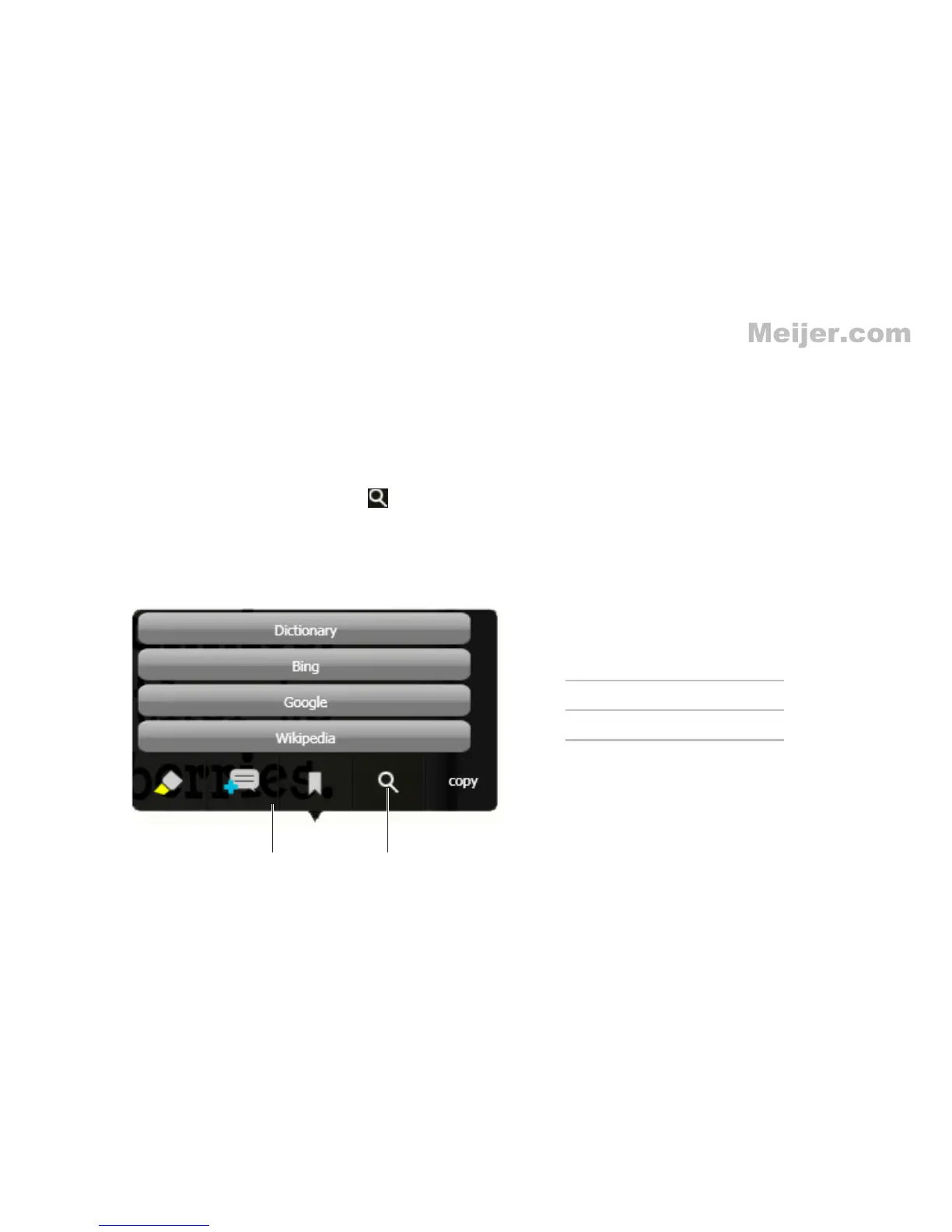
You can search for more information on the Internet about any word in the book.
To launch the search option:
Open a book, drag and highlight a word.
1.
The Text Toolbar appears.
Touch the
2. Look up selection icon .
A list of websites appears.
Touch the desired website to search for more information.
3.













 To Next Page