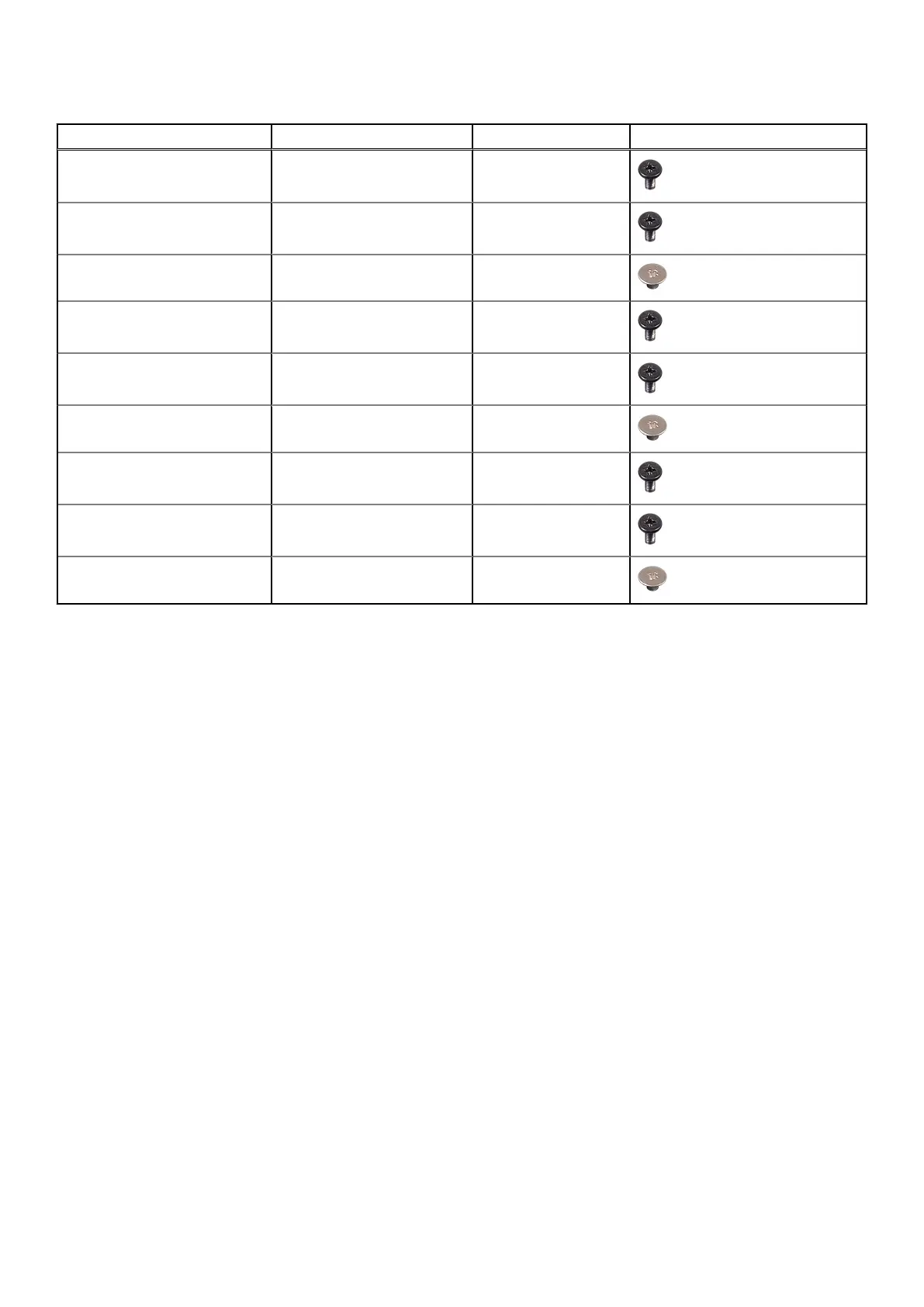
Table 1. Screw list
Component Screw type Quantity Screw image
Wireless-card bracket M2x4 1
Power-adapter port M2x4 2
Power button M2x2 2
Type-C bracket M2x4 2
System board M2x4 4
Fan M2x2 1
USB board M2x4 1
I/O board M2x4 2
Power-button shield M2x2 2
Base cover
Removing the base cover
Prerequisites
1. Follow the procedure in Before working inside your computer.
About this task
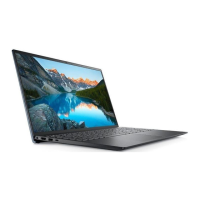
The following images indicate the location of the base cover and provide a visual representation of the removal procedure.
Removing and installing components
9



 To Next Page