26 │ Operating the monitor
Accessing the OSD menu
NOTE: Any changes you make are automatically saved when you move
to another menu, exit the OSD menu, or wait for the OSD menu to close
automatically.
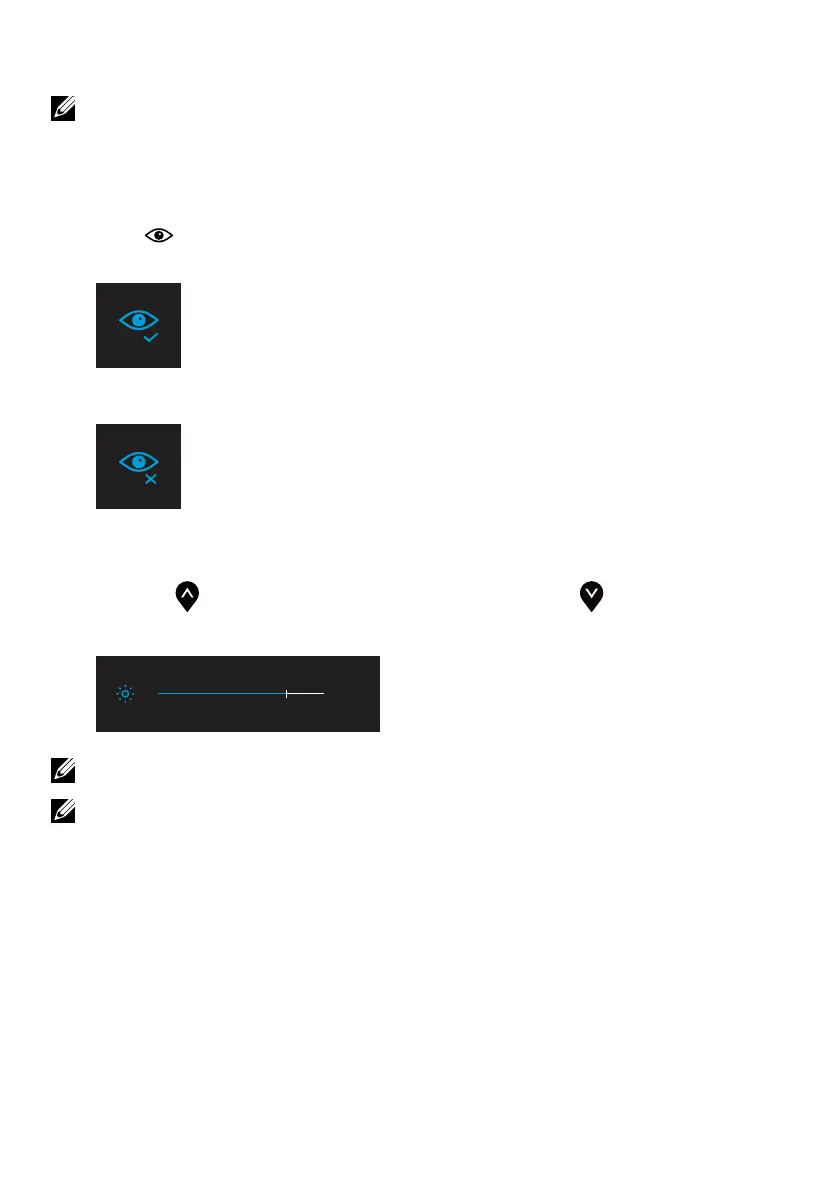
1. Press key to call out ComfortView OSD menu.
• Press key to switch ComfortView ON/OFF.
ComfortView = ON
ComfortView = OFF
2. Press key to call out Brightness OSD menu.
• Press the button to increase the brightness and press the button decrease
brightness (min. 0; max. 100).
75%
Note: No Contrast adjustment on OSD menu.
Note: OSD menu supports English only.



 To Next Page