Operating the monitor │ 23
Operating the monitor
Turning on the monitor
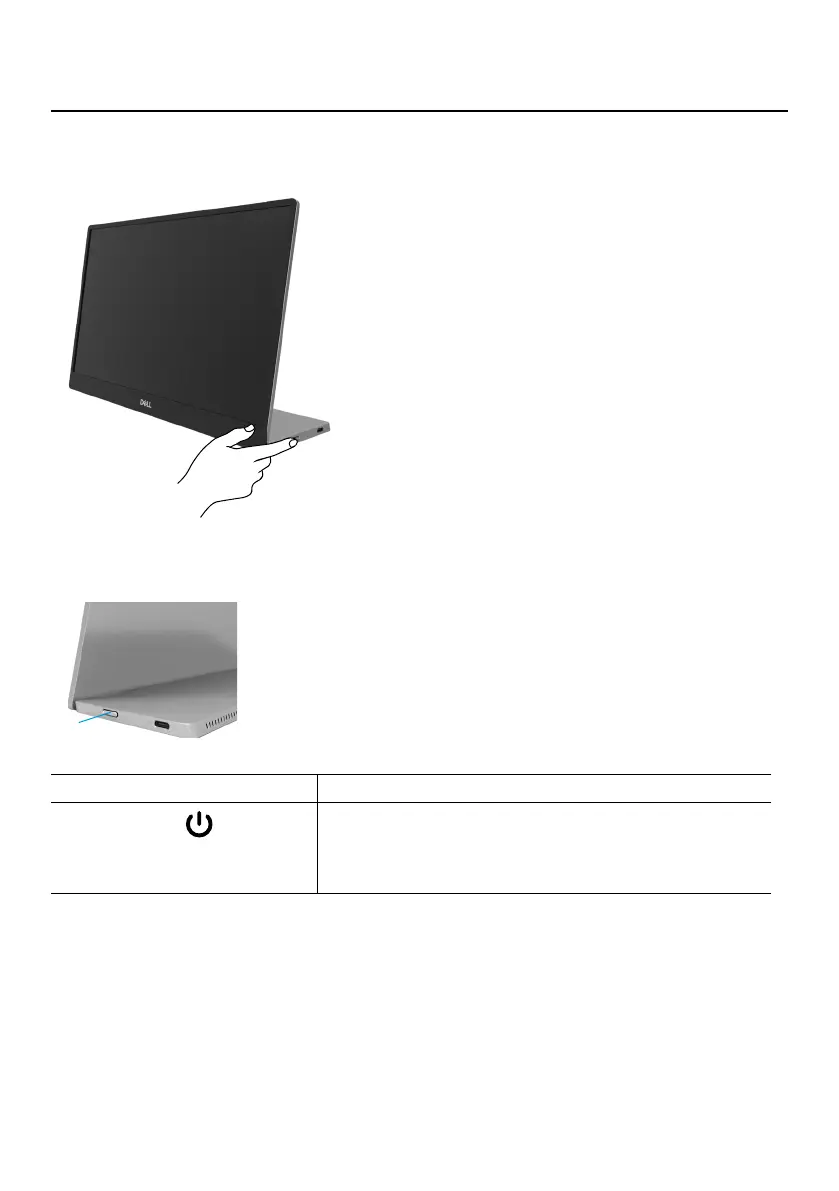
Press the button to turn on the monitor.
Using the front panel control
Use the control button on the edge of the monitor to adjust the image being displayed.
1
The following table describes the control button:
Control button Description
1
Power button
(with power-status light)
To turn the monitor On or Off.
Solid white light indicates that the monitor is turned on
and functioning normally. Blinking white light indicates
that the monitor is in Standby Mode.



 To Next Page