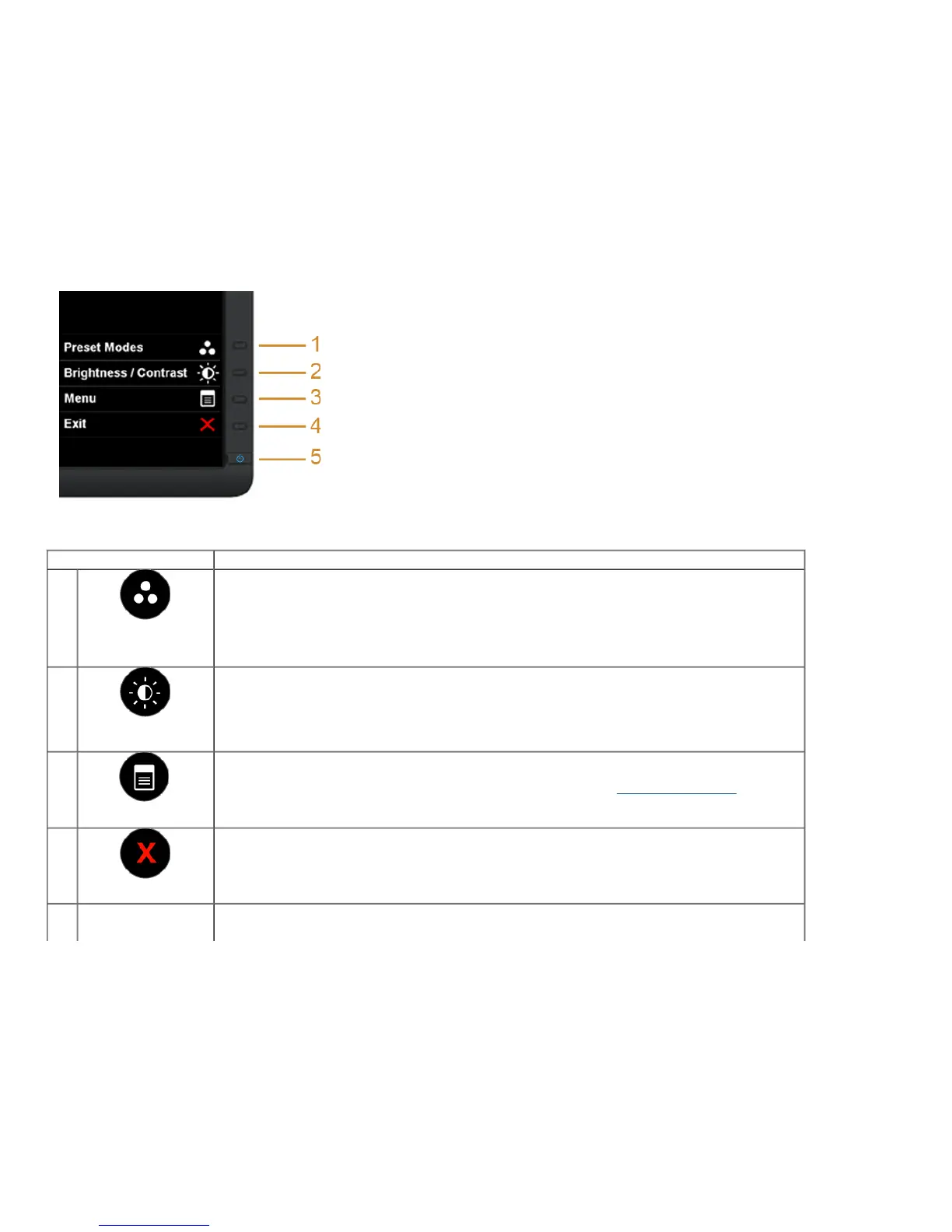
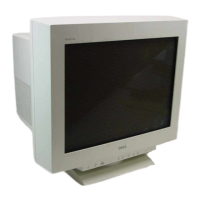
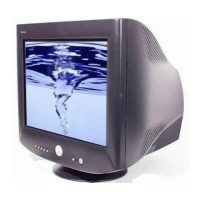
The following table describes the front panel buttons:
Front Panel Button Description
1
Shortcut
key/Preset
Modes
Use this button to choose from a list of preset color modes.
2
Shortcut key/
Brightness/Contrast
Use this button to directly access the "Brightness/Contrast" menu.
3
Menu
Use the MENU button to launch the On-Screen Display (OSD) and select the OSD Menu. See Accessing the Menu System
.
4
Exit
Use this button to go back to the main menu or exit the OSD main menu.



 To Next Page