Operating your monitor | 49
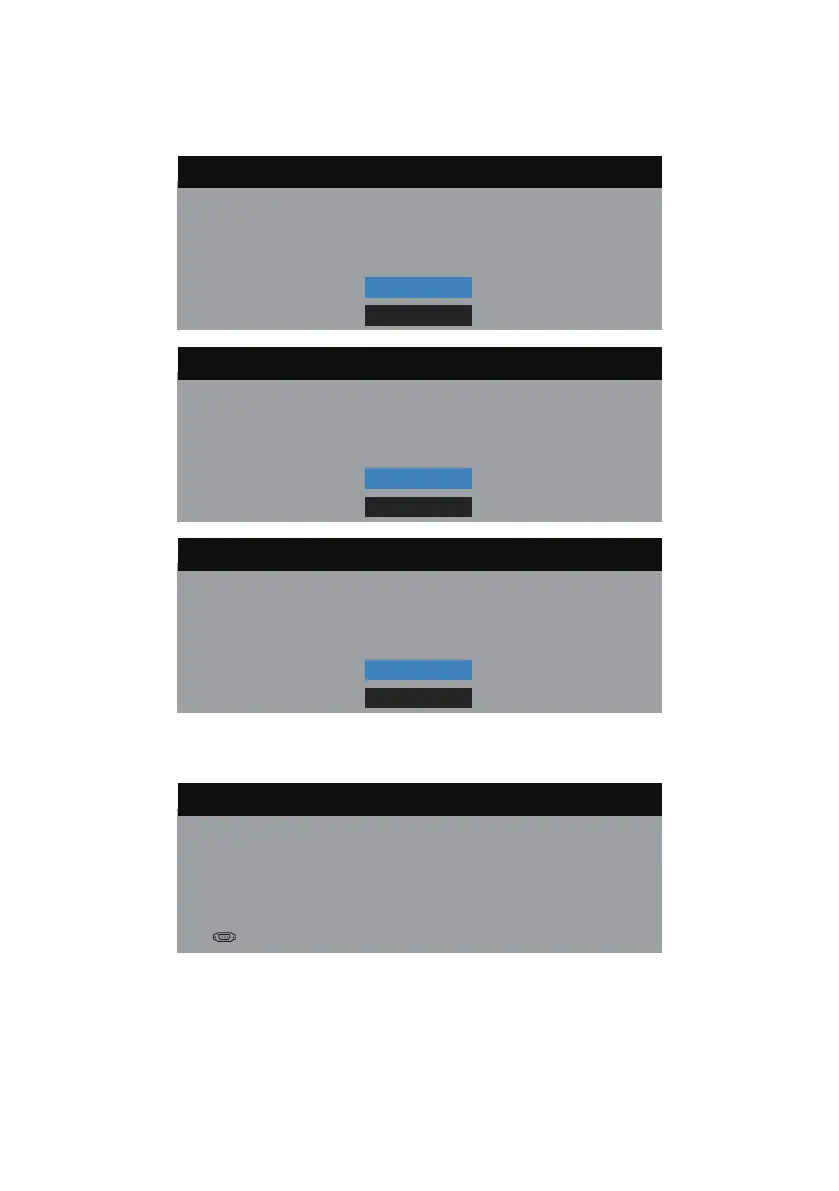
OSD warning messages
When the Dynamic Contrast feature is enabled (in these preset modes: Game or
Movie), the manual brightness adjustment is disabled.
Dell P1917S/P1917SWh
To allow manual adjustment of brightness, the Dynamic Contrast
No
Yes
will be switched off.
Do you want to continue?
Dell P2017H
To allow manual adjustment of brightness, the Dynamic Contrast
No
Yes
will be switched off.
Do you want to continue?
Dell P2217/P2217Wh
To allow manual adjustment of brightness, the Dynamic Contrast
No
Yes
will be switched off.
Do you want to continue?
When the monitor does not support a particular resolution mode, the following
message is displayed:
Dell P1917S/P1917SWh
The current input timing is not supported by the monitor display.
Please change your input timing to
1280x1024, 60Hz
or any
other monitor listed timing as per the monitor specifications.


 To Next Page