40 │ Operating the monitor
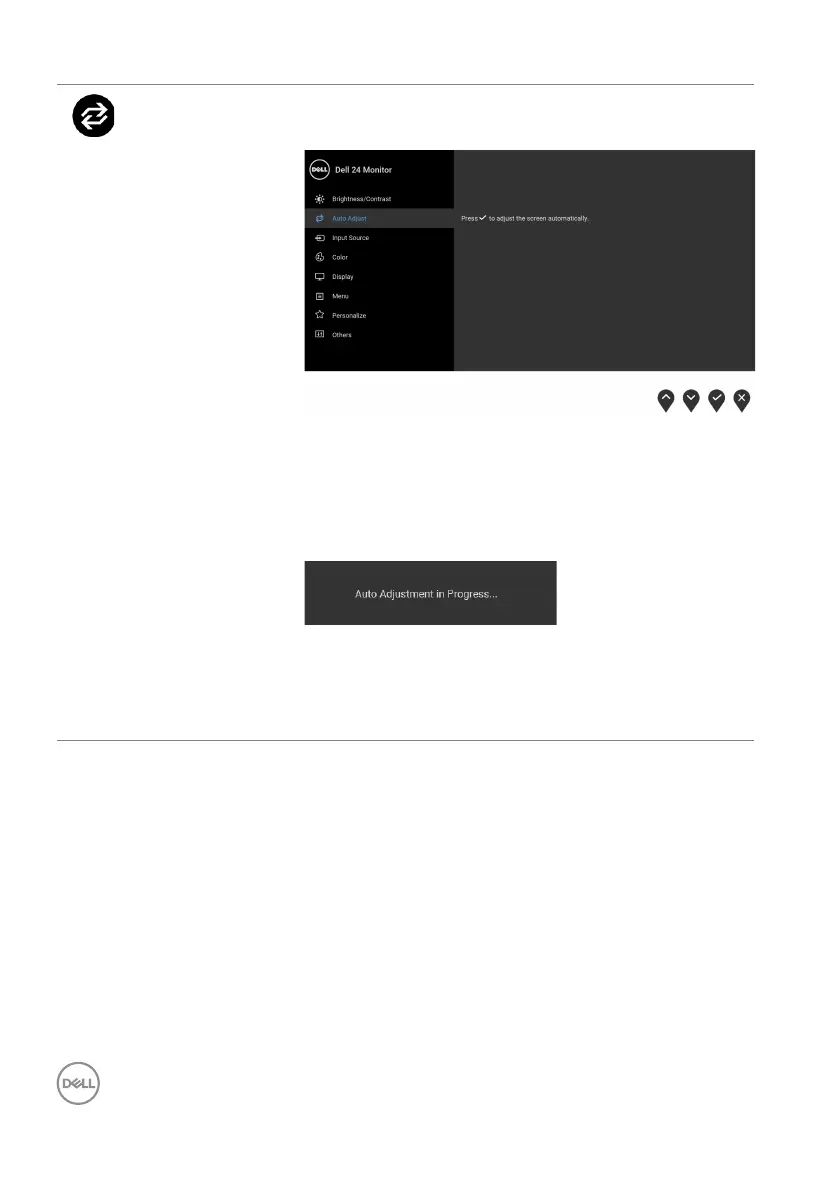
Auto Adjust Use this menu to activate automatic setup and adjust
menu.
Auto Adjust allows the monitor to sel f-adjust to the
incoming video signal. After using Auto Adjust, you
can further tune your monitor by using the Pixel
Clock (Coarse) and Phase (Fine) controls under
Display settings.
NOTE: In most cases, Auto Adjust produces the
best image for your configuration.
NOTE: Auto Adjust op
tion is only available when
you are using the analog (VGA) connector.



 To Next Page