About your monitor │ 39
USB ports
• 1 super speed USB 5 Gbps (USB 3.2 Gen1) Type-C upstream - rear
• 3 super speed USB 5 Gbps (USB 3.2 Gen1) Type-A downstream - rear (2) and
bo
ttom (1)
• 1 super speed USB 5 Gbps (USB 3.2 Gen1) Type-C downstream - bottom
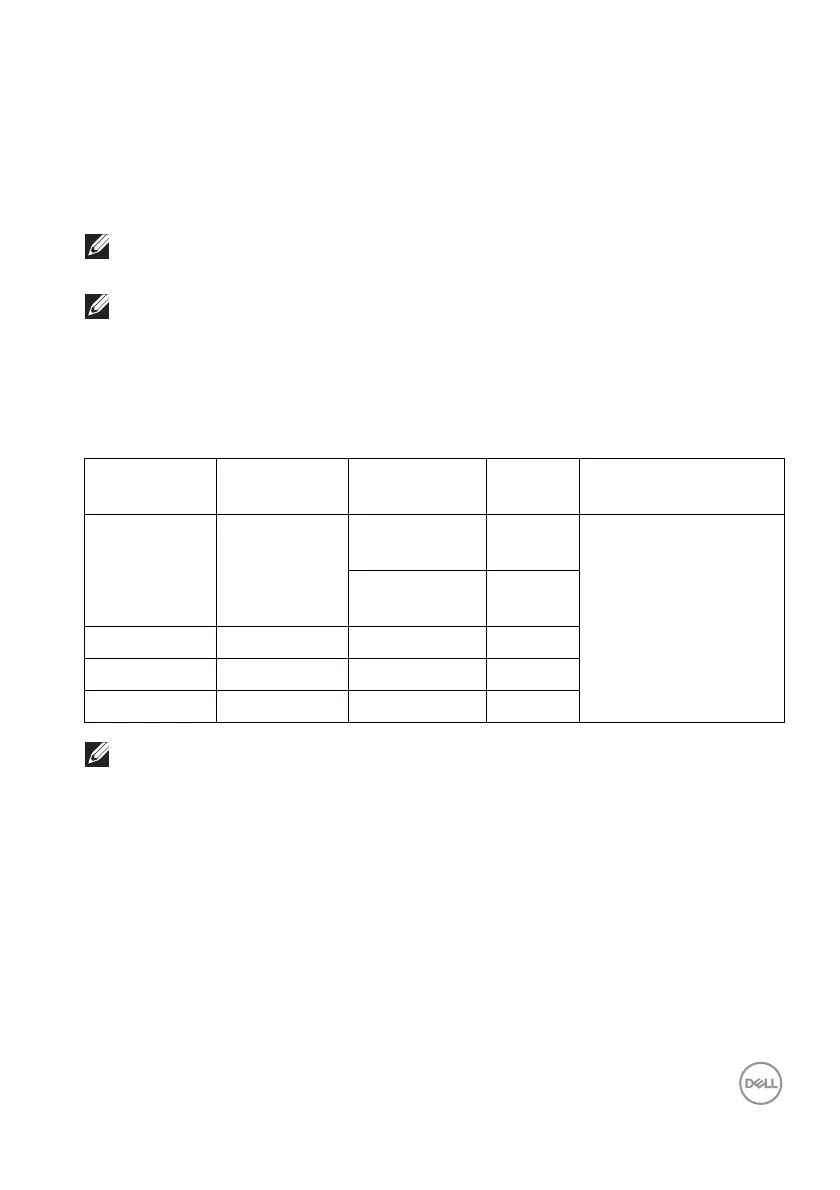
Host Video cable USB-C
prioritiza
tion
Color
depth
Resolution
NOTE: Super speed USB 5 Gbps (USB 3.2 Gen1) functionality requires
a super speed USB 5 Gbps (USB 3.2 Gen1)-capable computer.
NOTE: The USB ports on the monitor work only when the monitor is
turned on or in Standby mode. If you turn Off the monitor and then turn
it on, the attached peripherals may take a few seconds to resume
normal functionality.
Video bandwidth
NOTE: Color depth and resolution may change depending on the
behavior of host.
USB-C (Alt
Mode
DP1.4)
USB-C Gen2
cable
High Data
Speed
8 Bits
P2425HE/P2425HE
WOST/P2725HE/
P2725HE WOST:
1920 x 1080 @ 100 Hz
P2425E:
19
20 x 1200 @ 100 Hz
High
Resolution
8 Bits
HDMI 1.4 HDMI cable N/A 8 Bits
DP 1.2 DP cable N/A 8 Bits
DP 1.4 DP cable N/A 8 Bits



 To Next Page